
Launch day
Launch a New Feature
Pair the launch card with a Twitter Card cut from the same headline and palette so the release reads as one wave across every social surface.
Paste any URL. We read the page — brand, tone, palette and key messaging — and paint4 unique 1200×630 cards on demand — one on-brand, three wildcards.
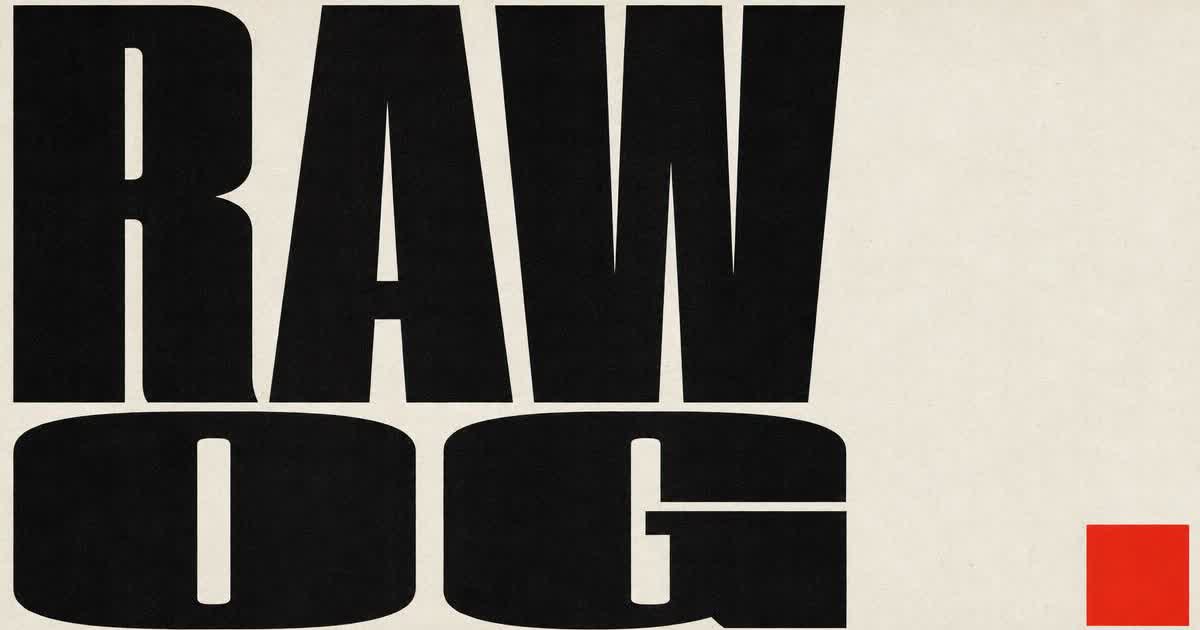
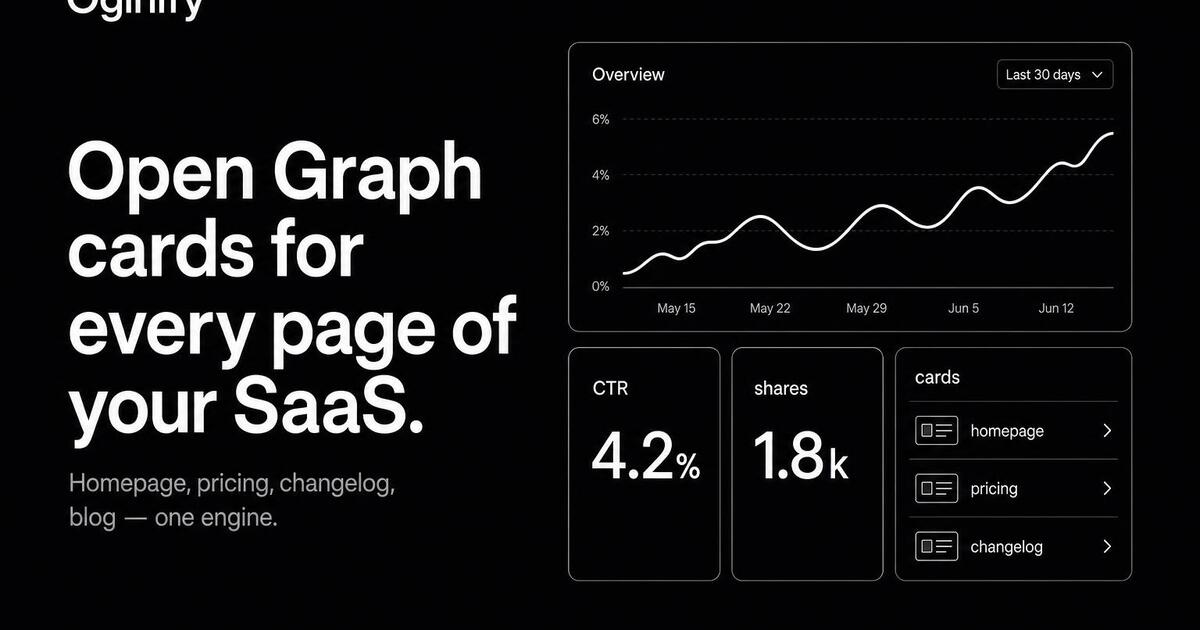
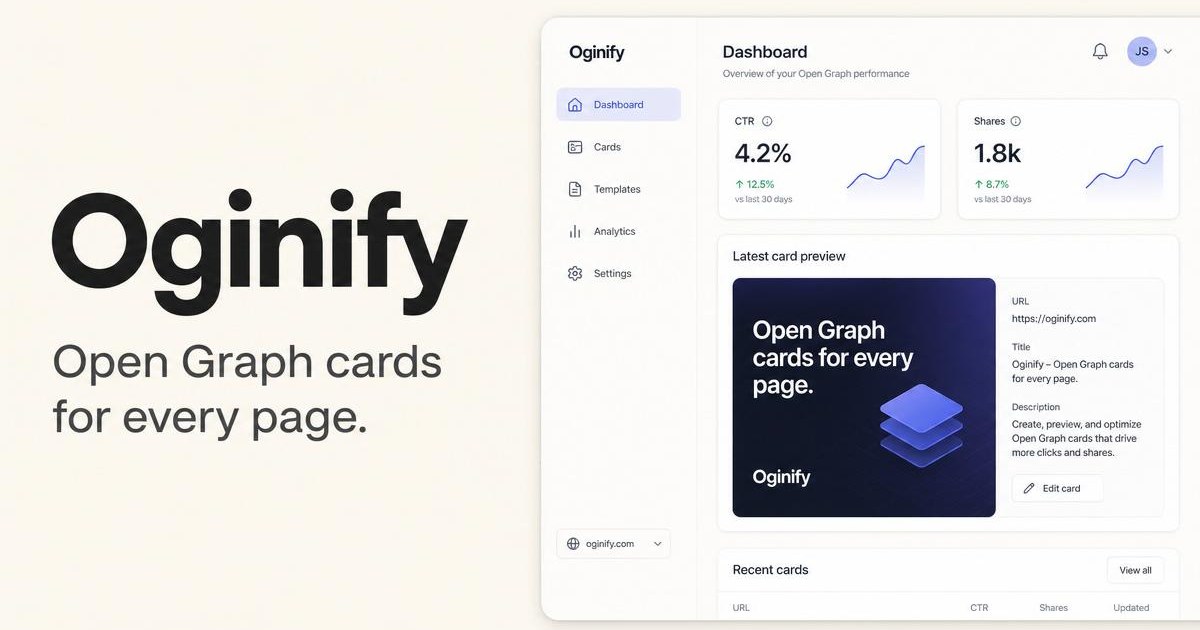
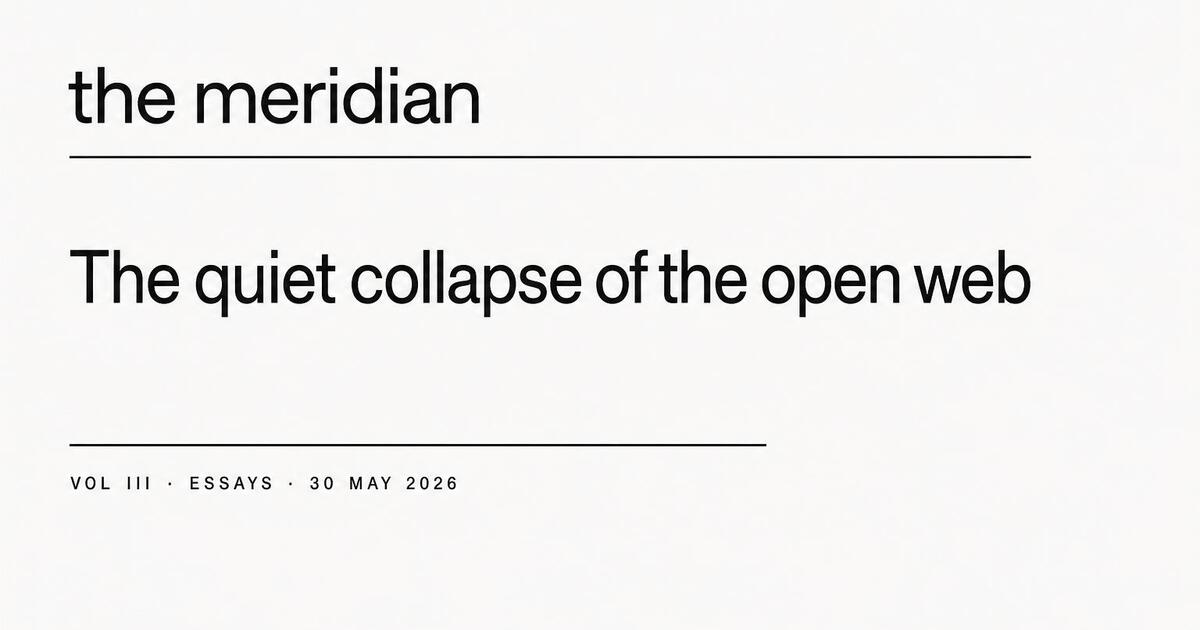
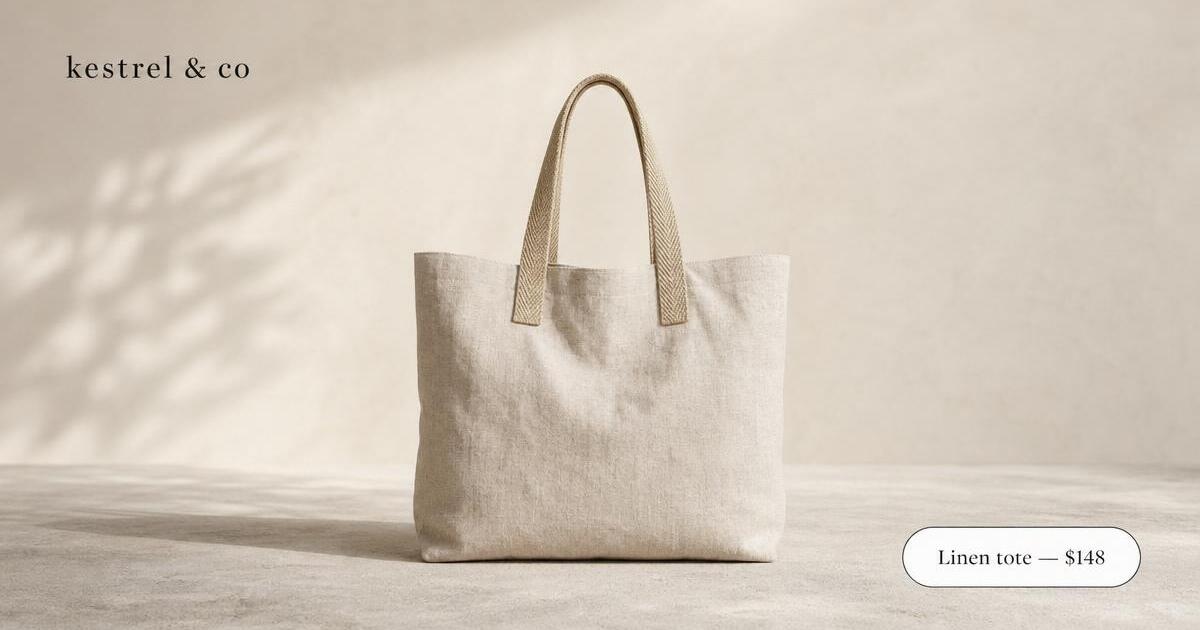
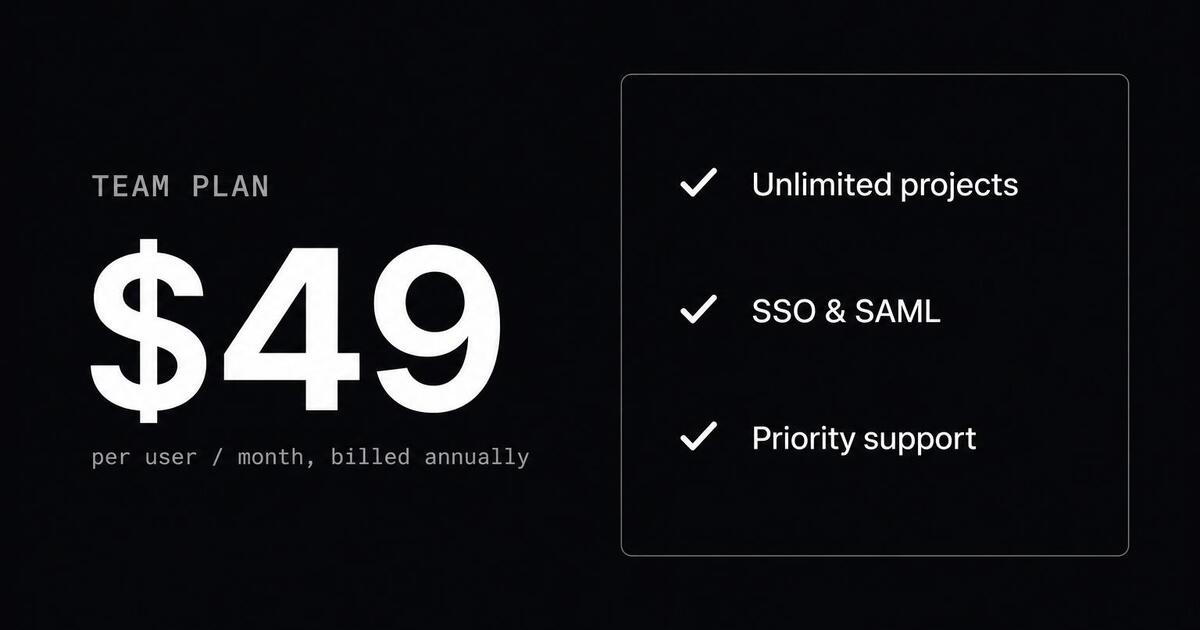
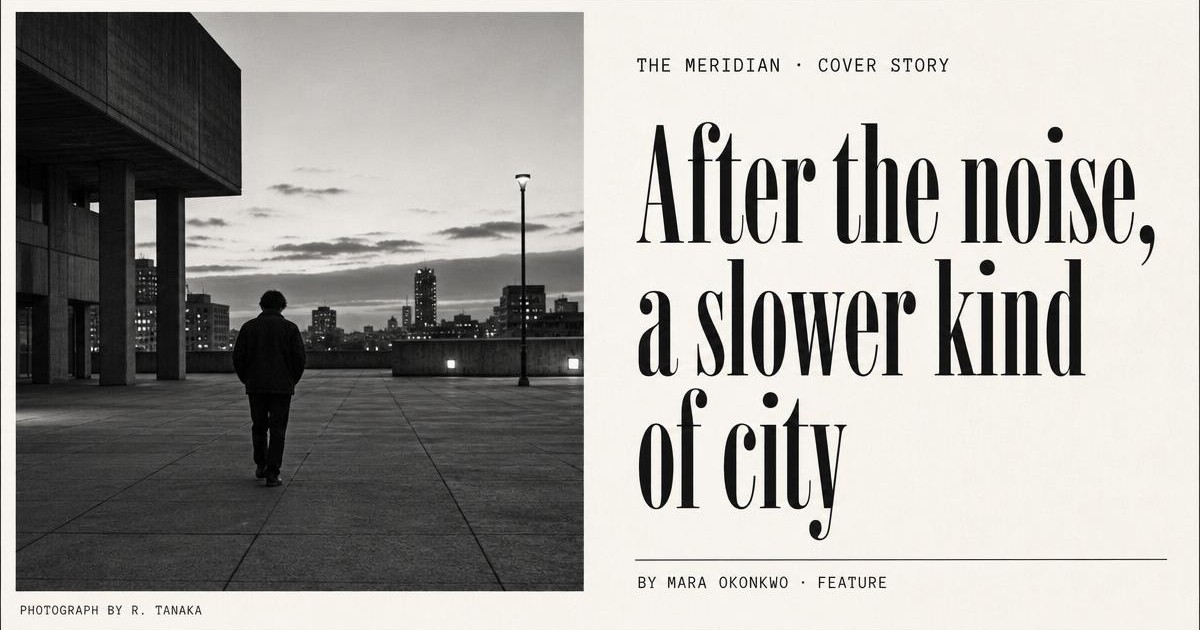
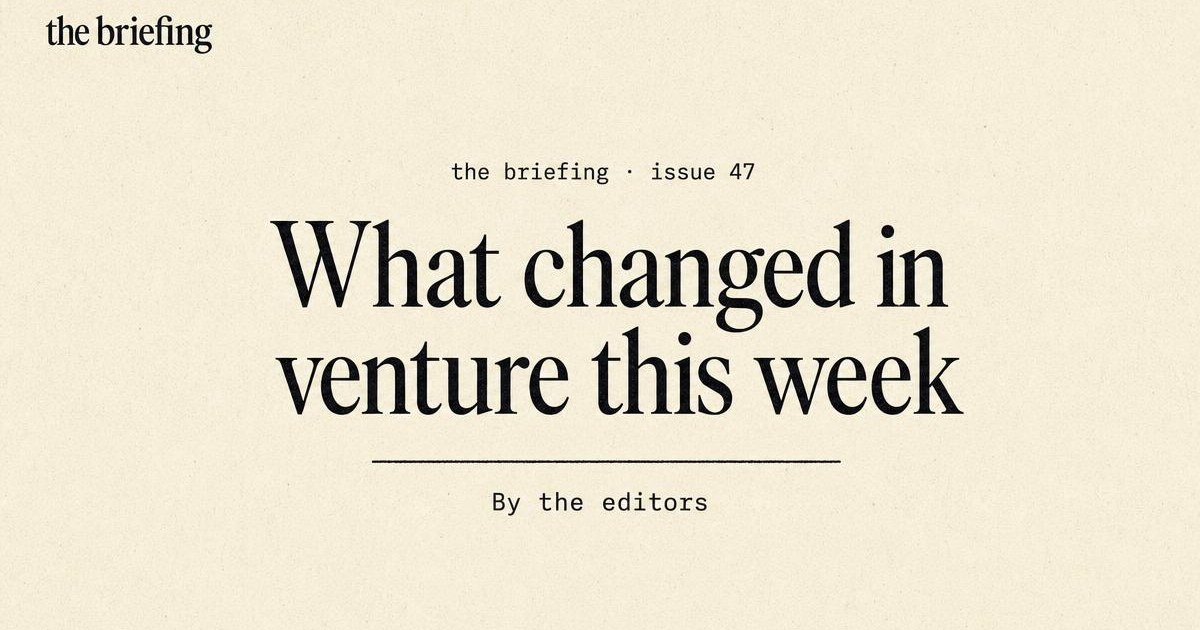
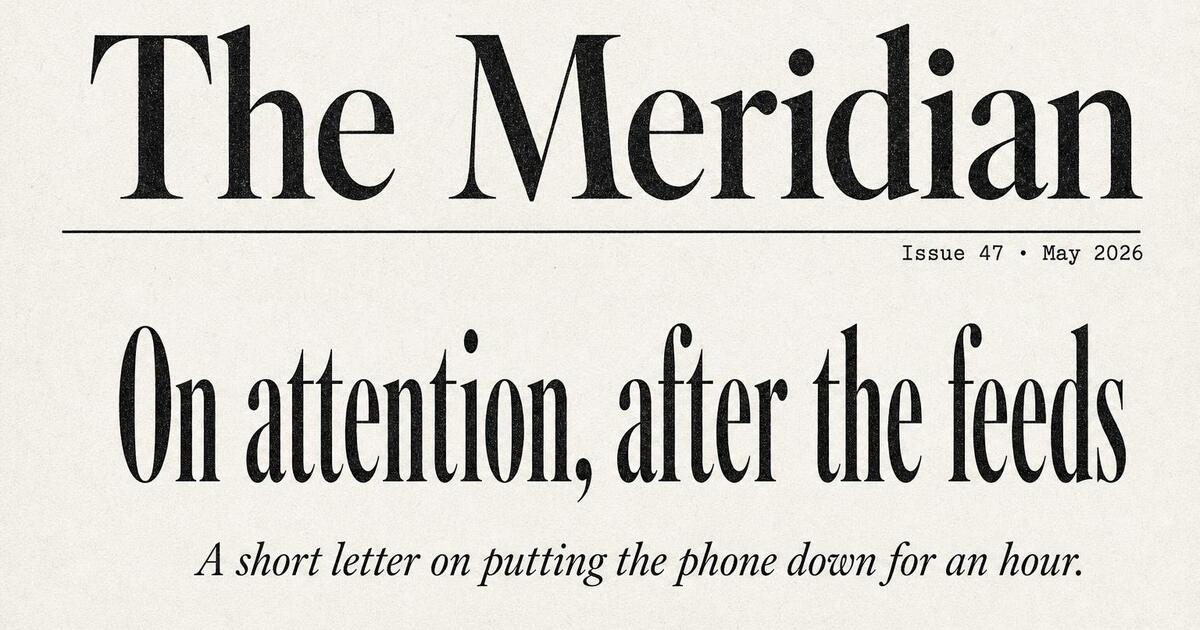
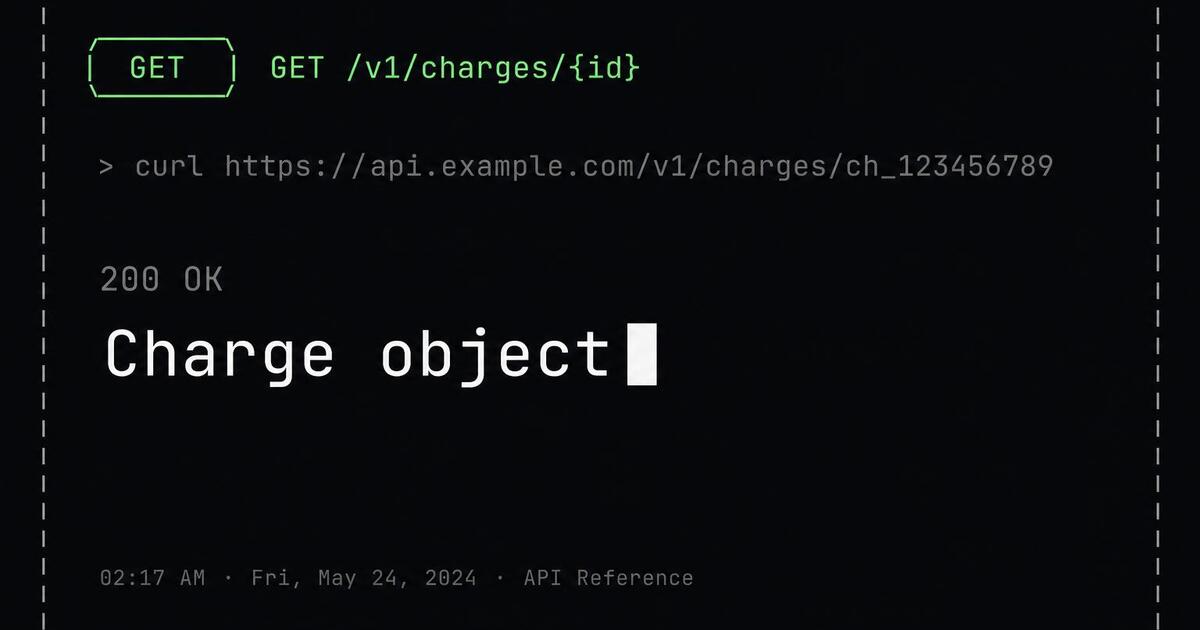
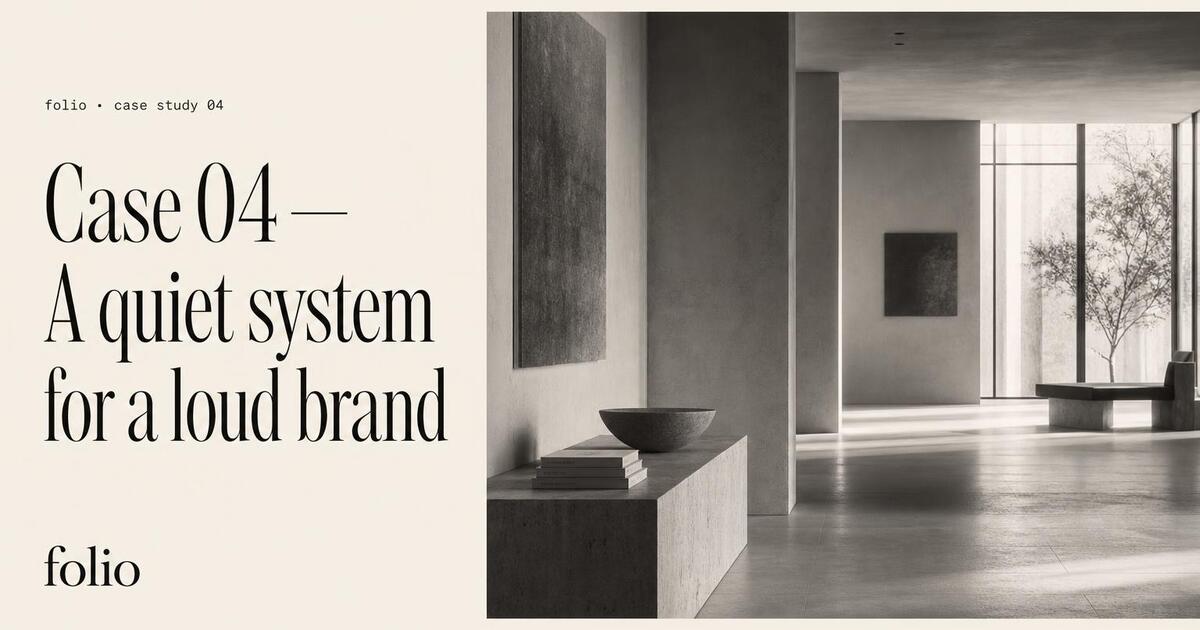
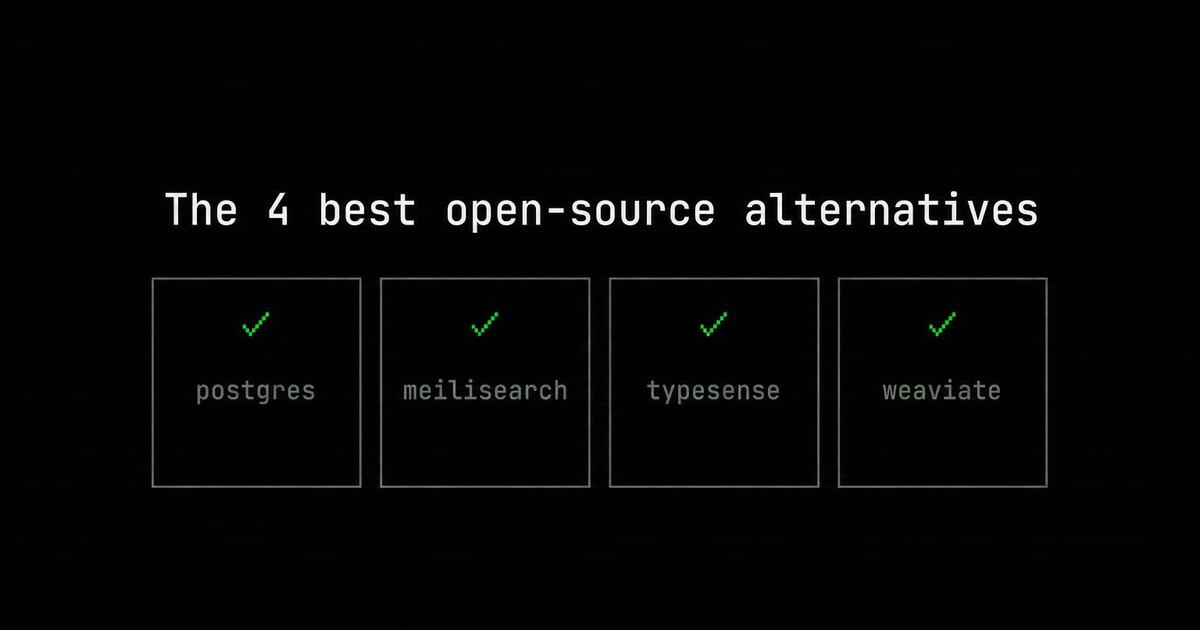

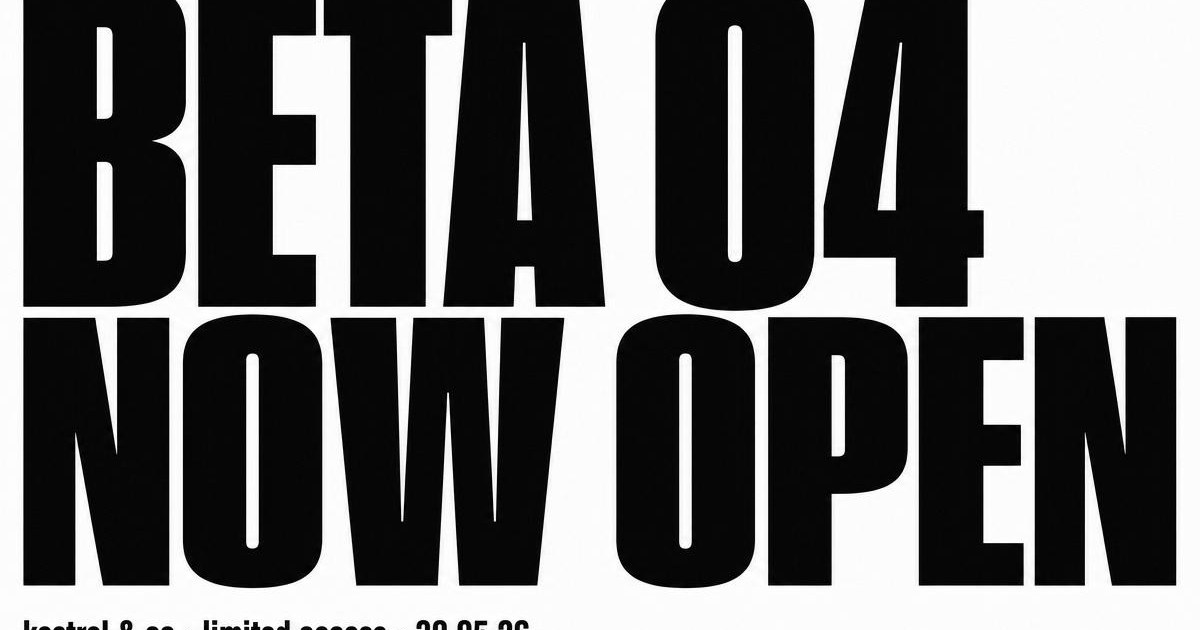
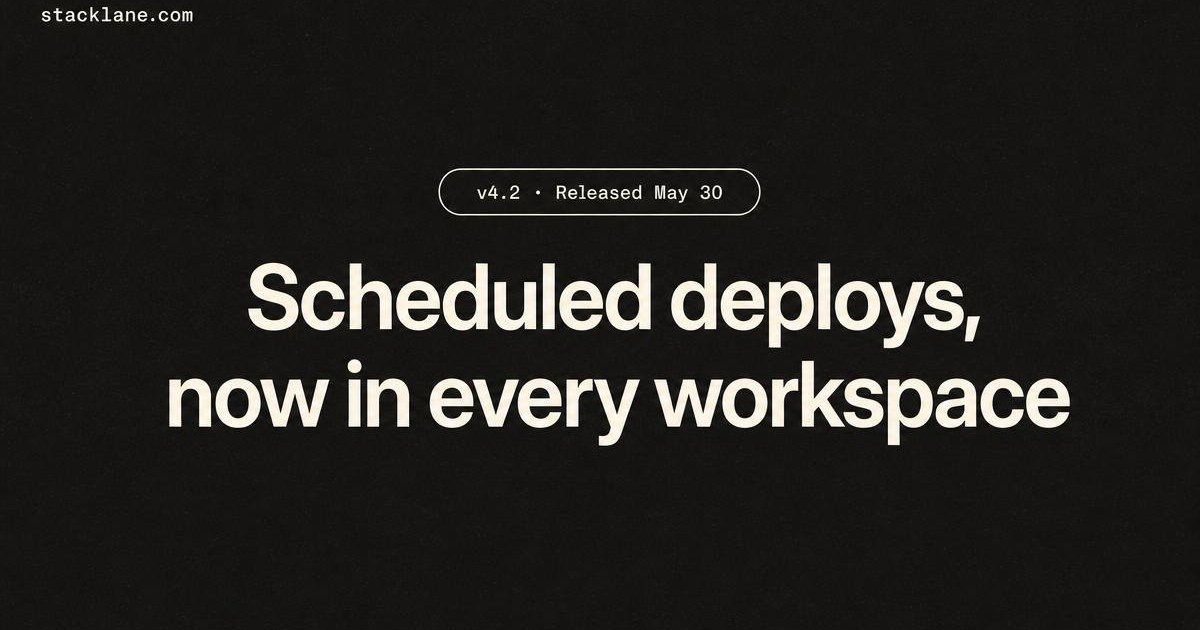
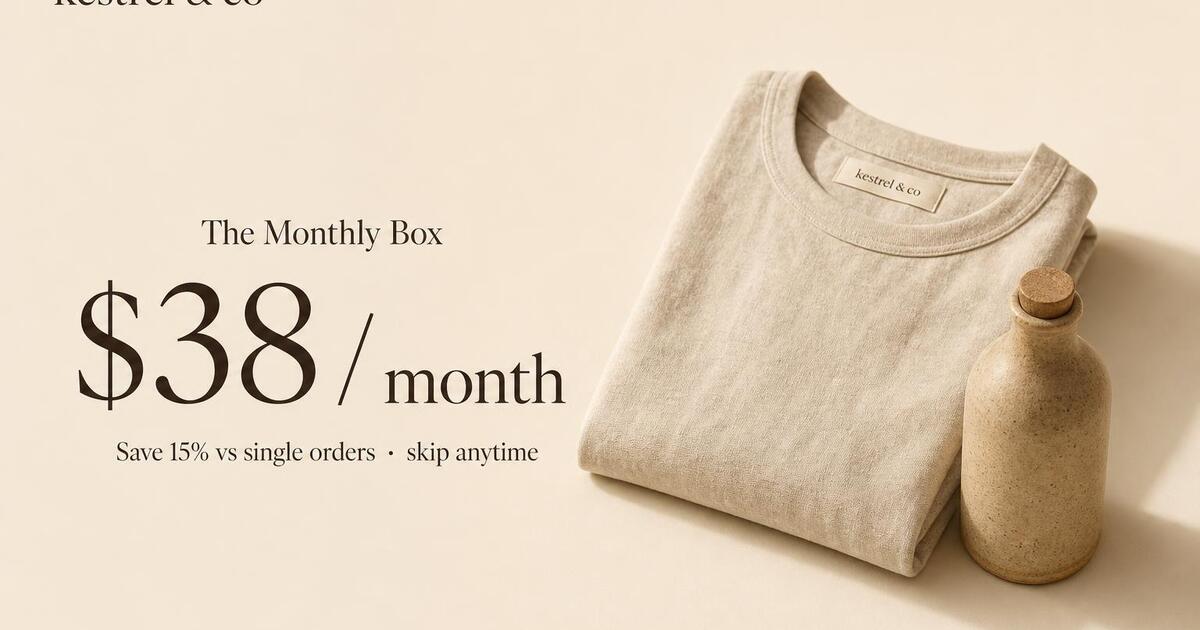
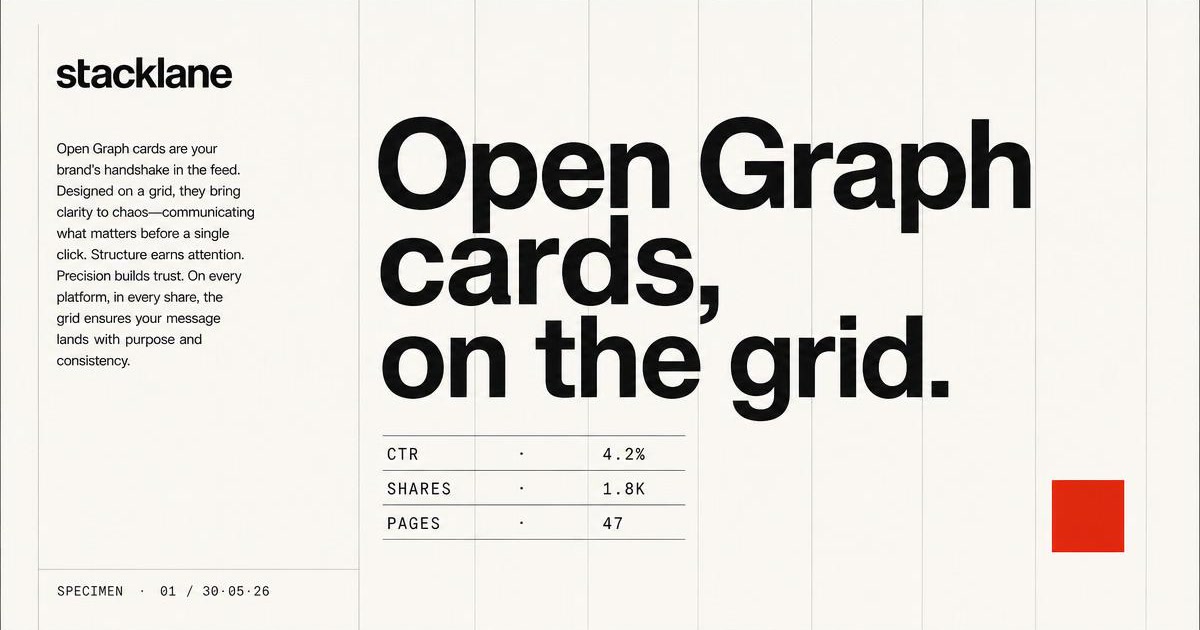

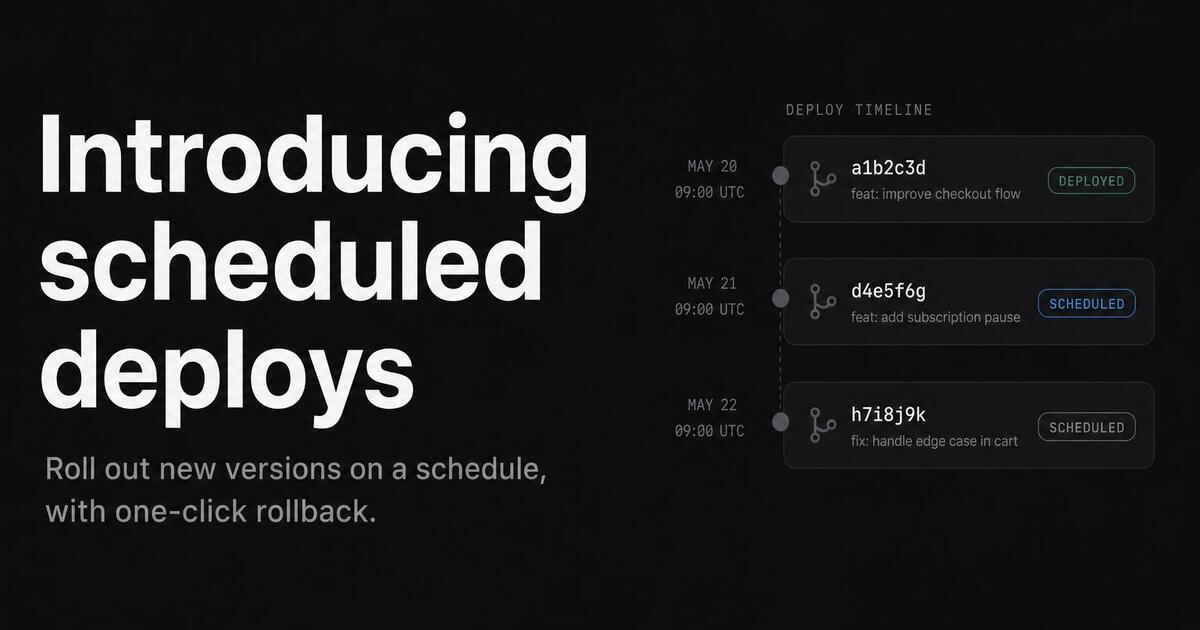
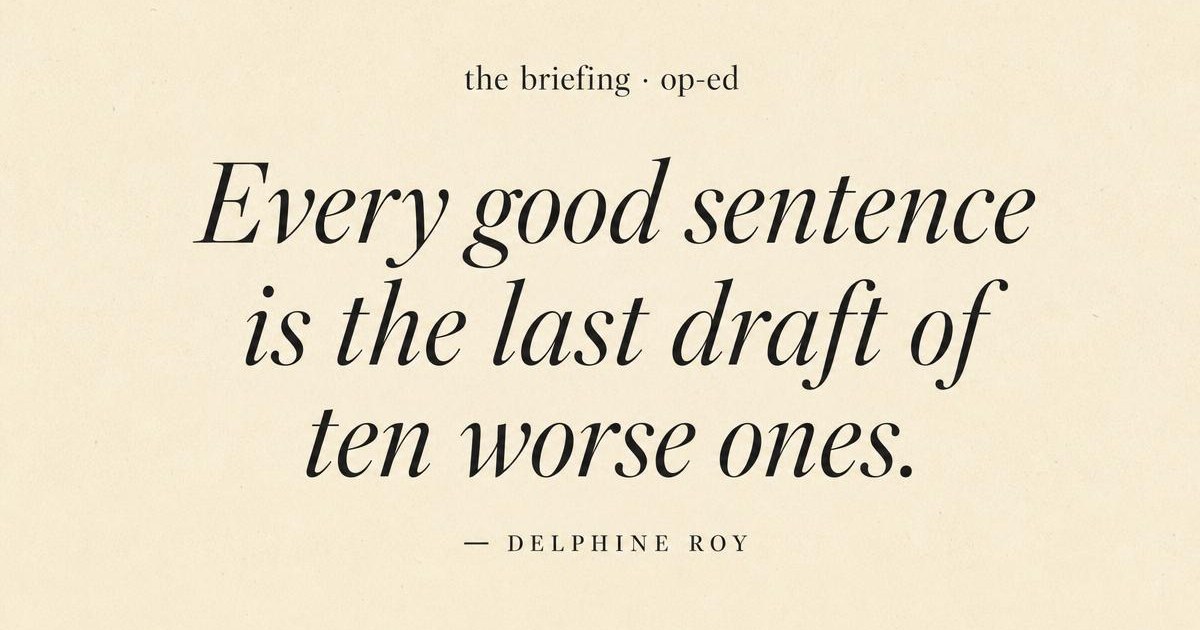

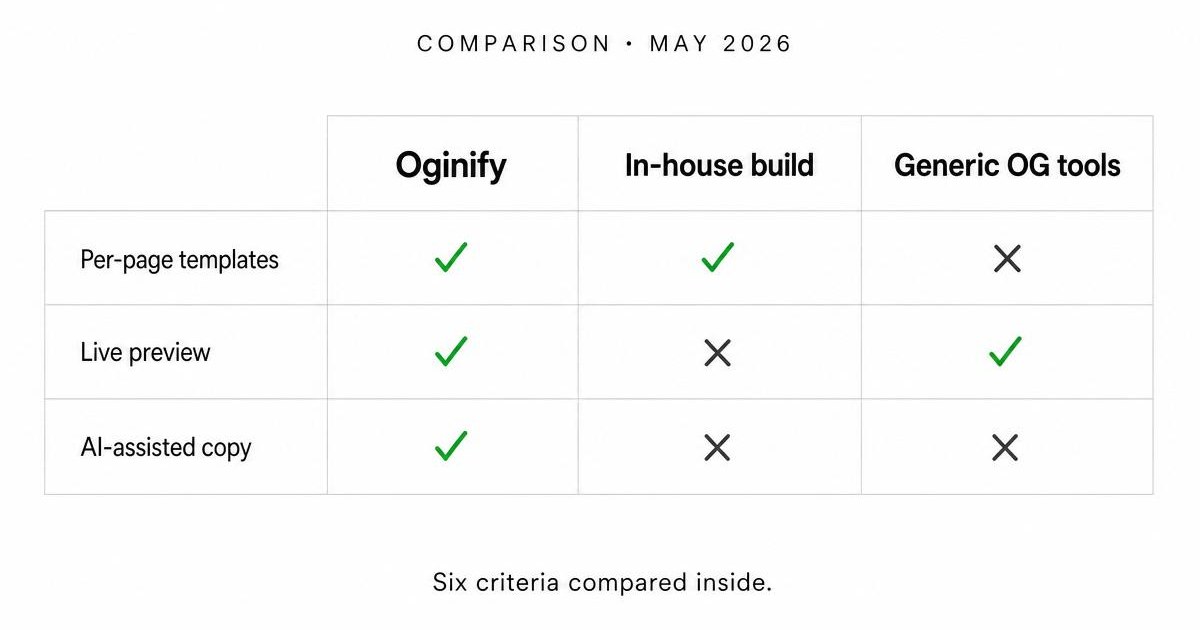
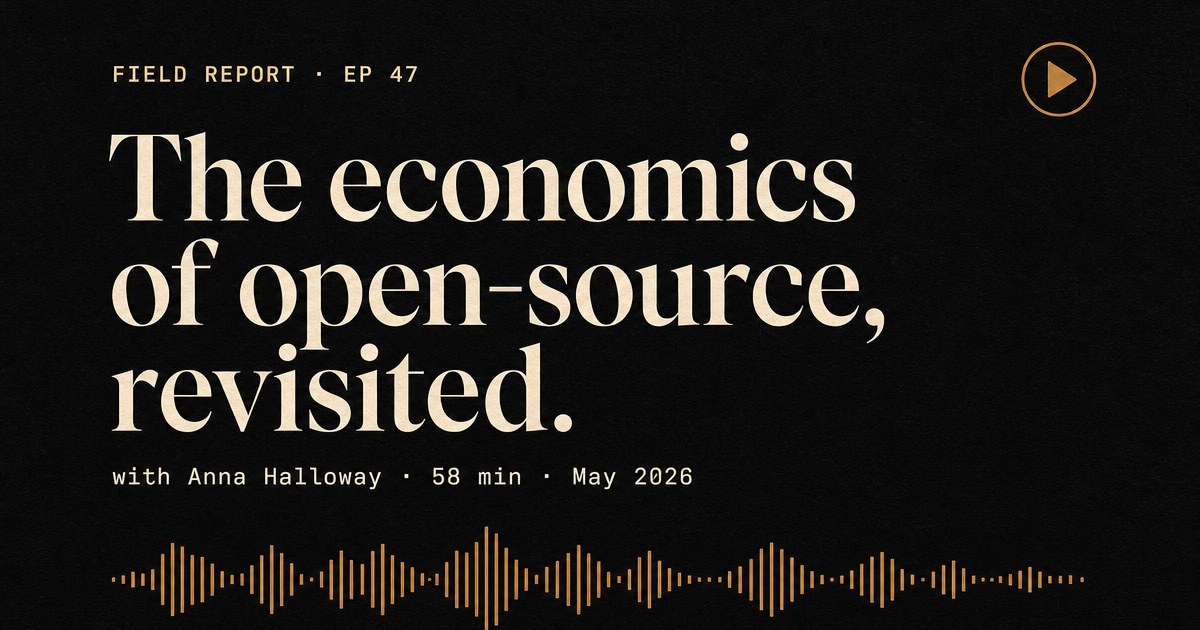
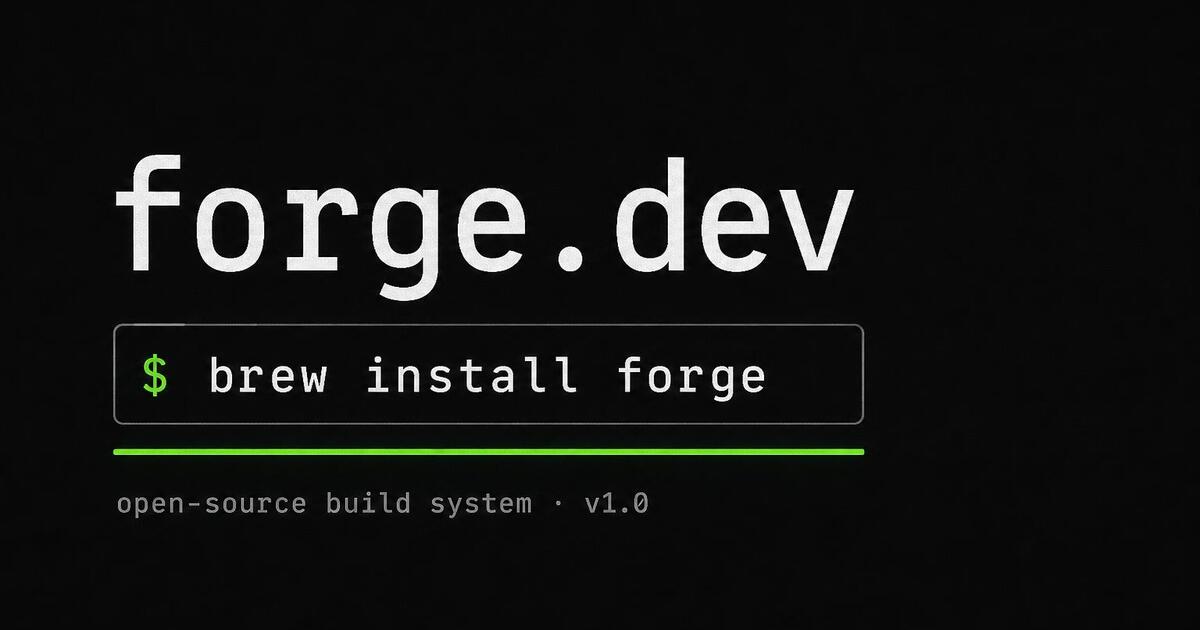
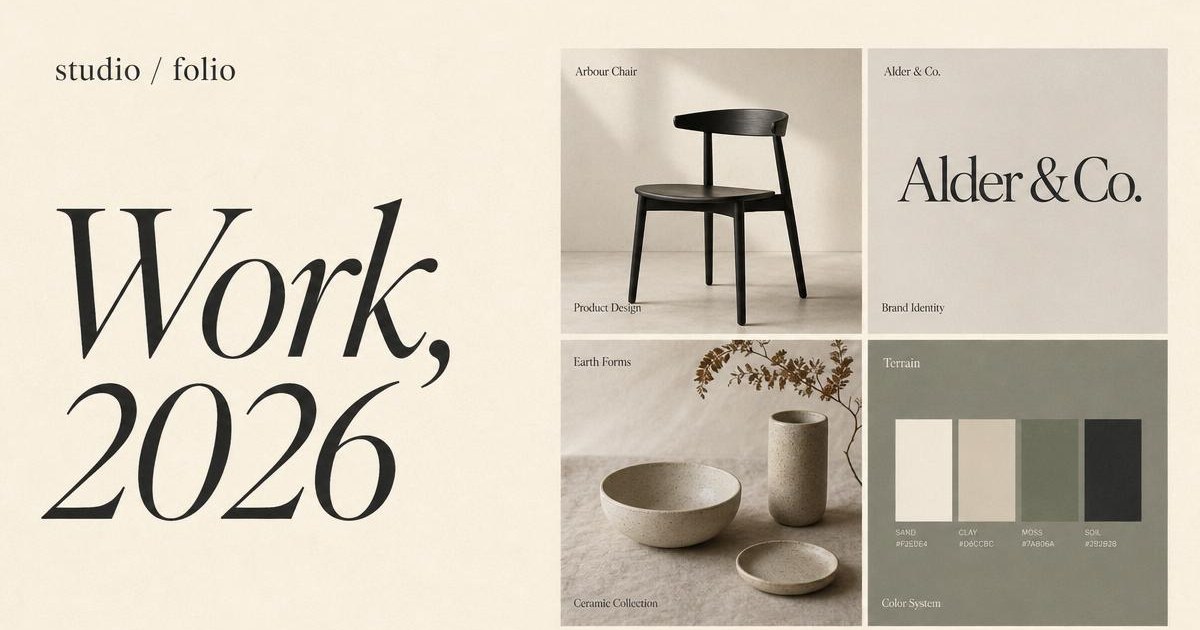
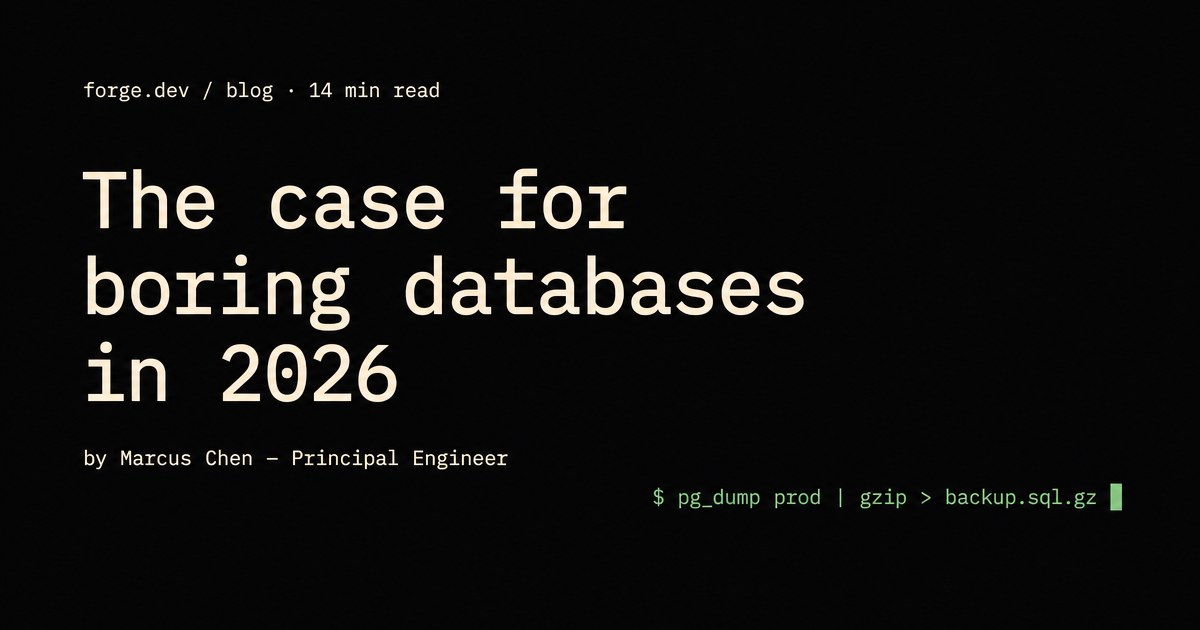
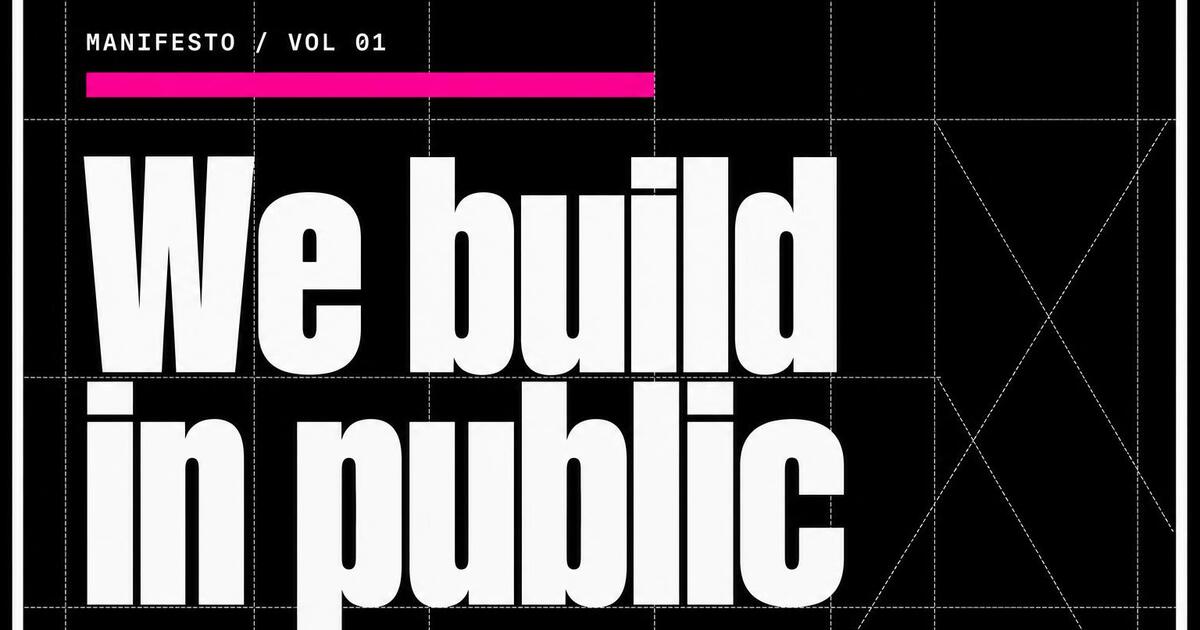
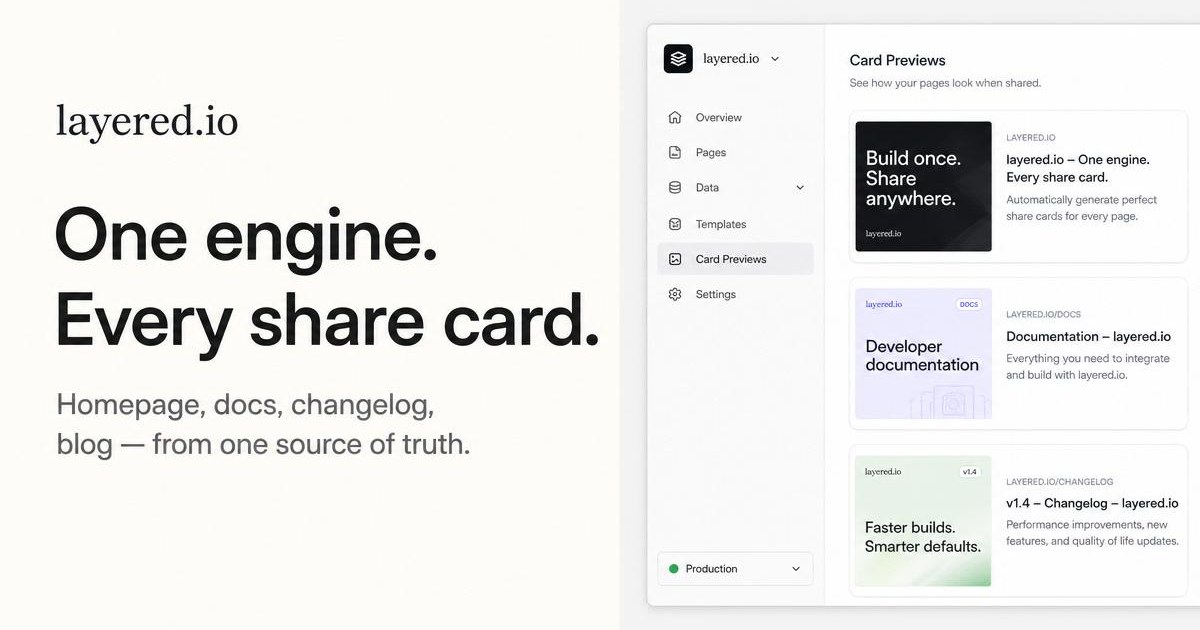
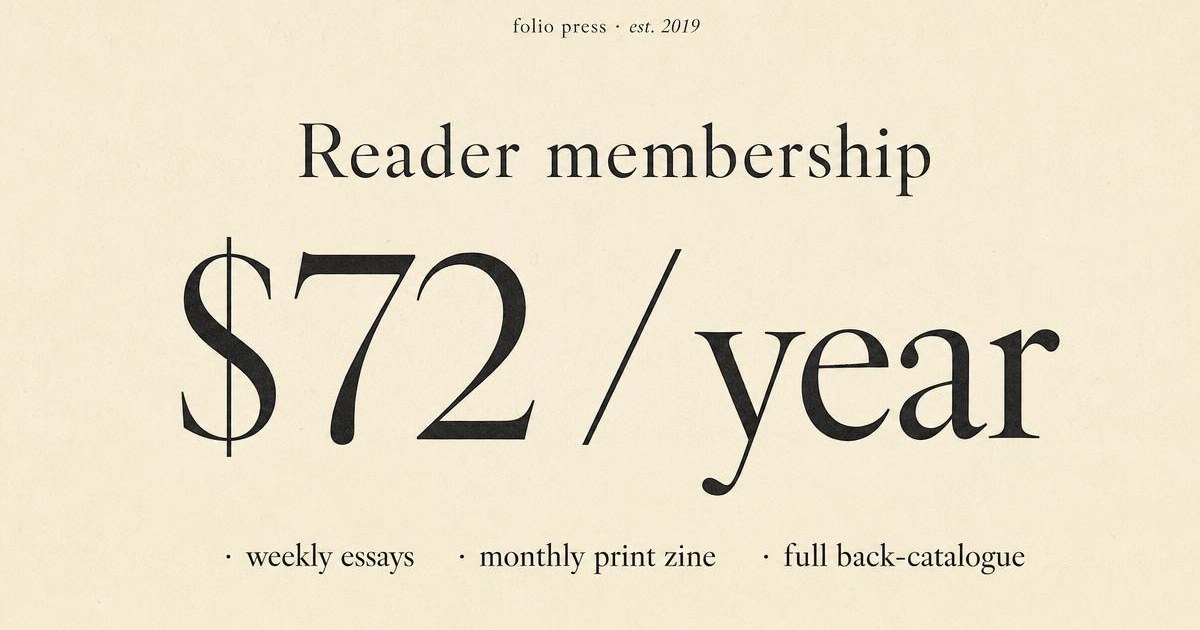
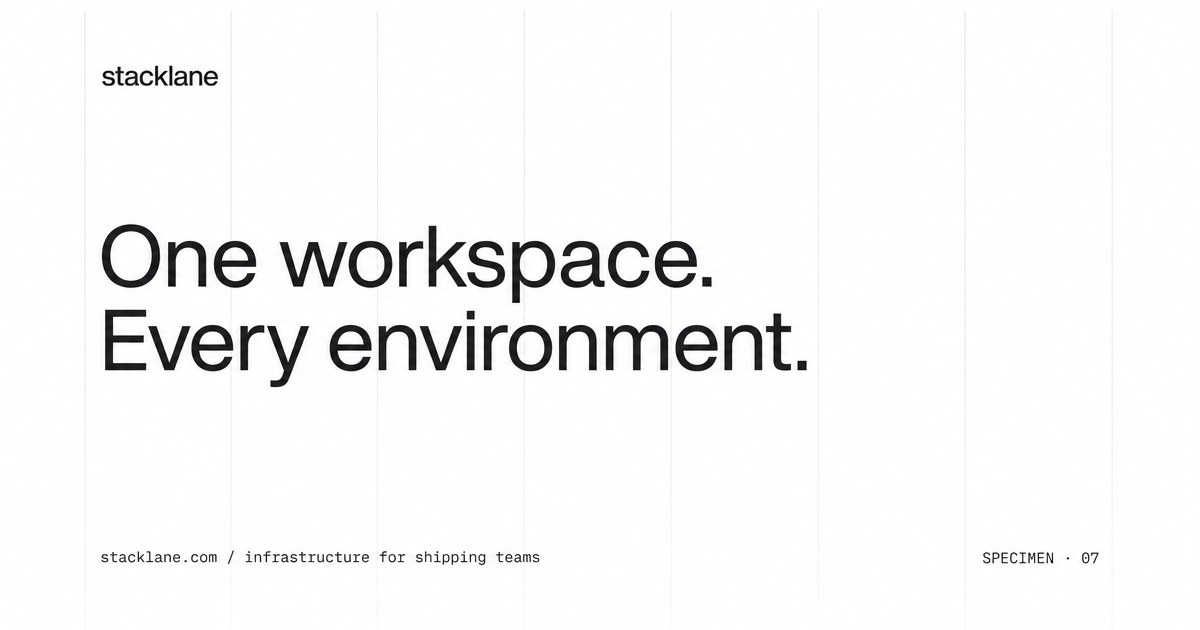
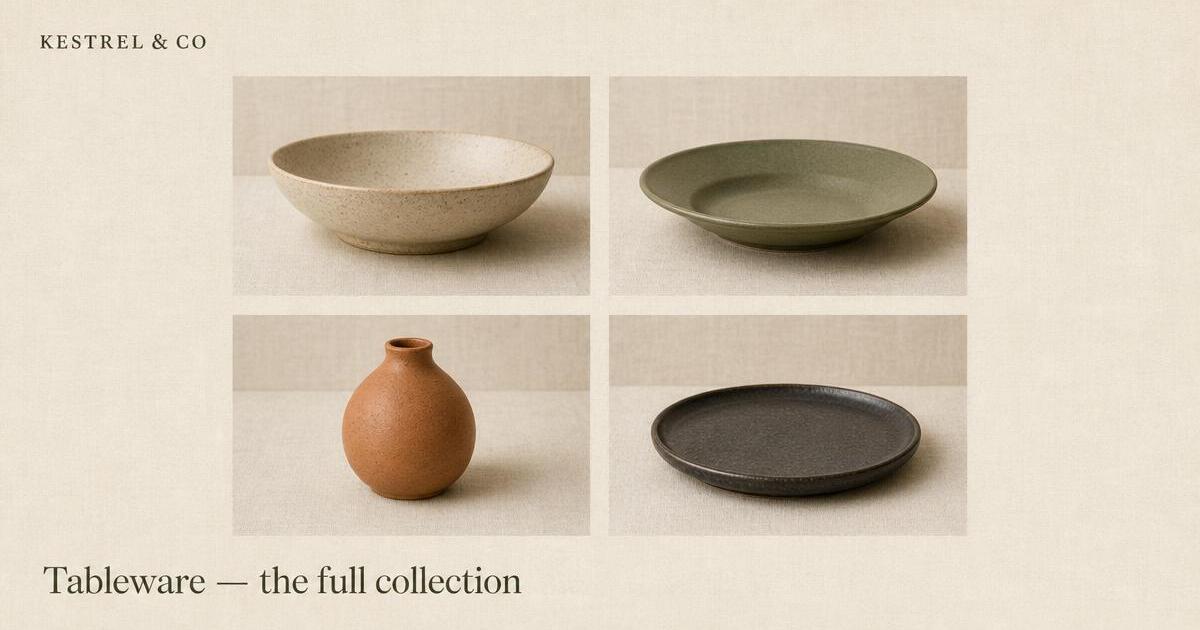
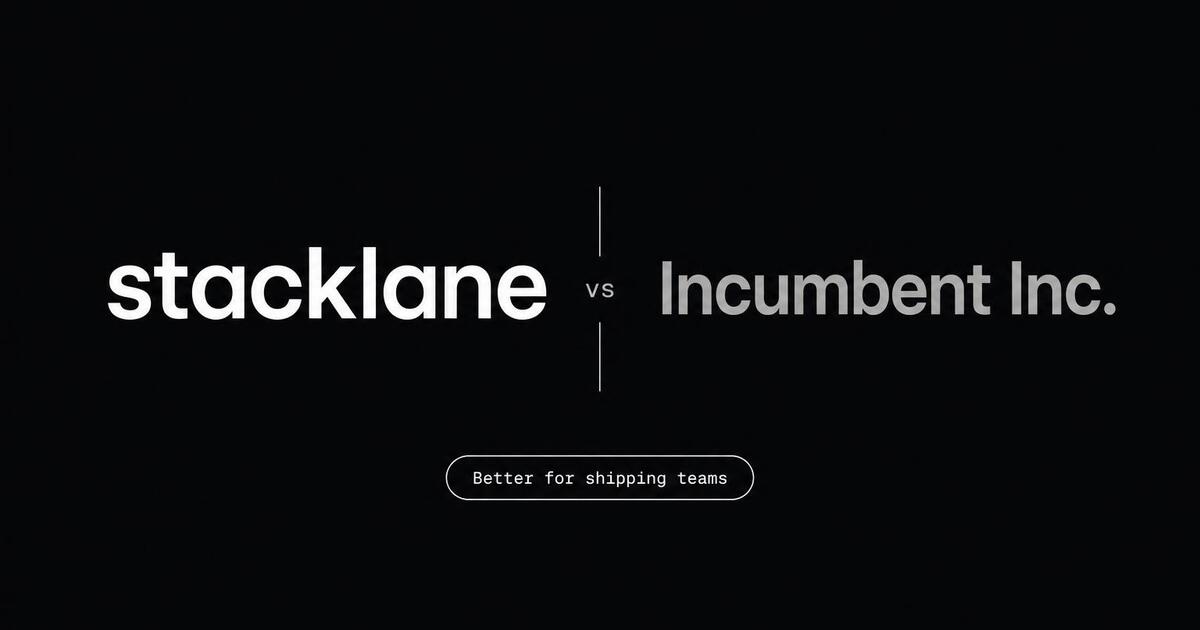
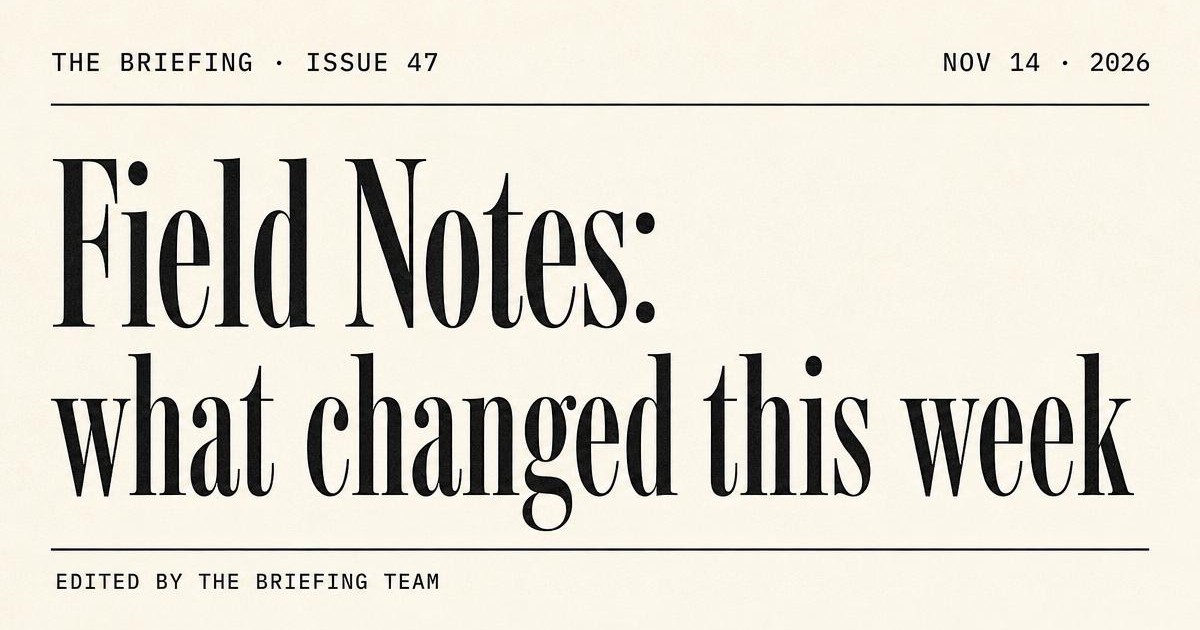
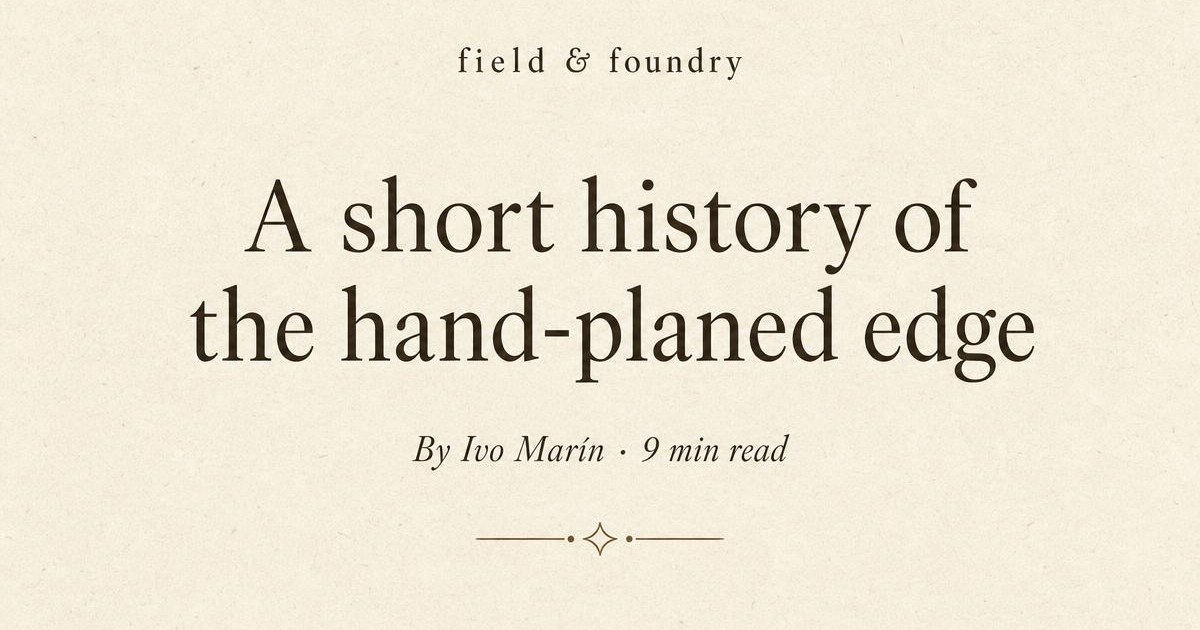
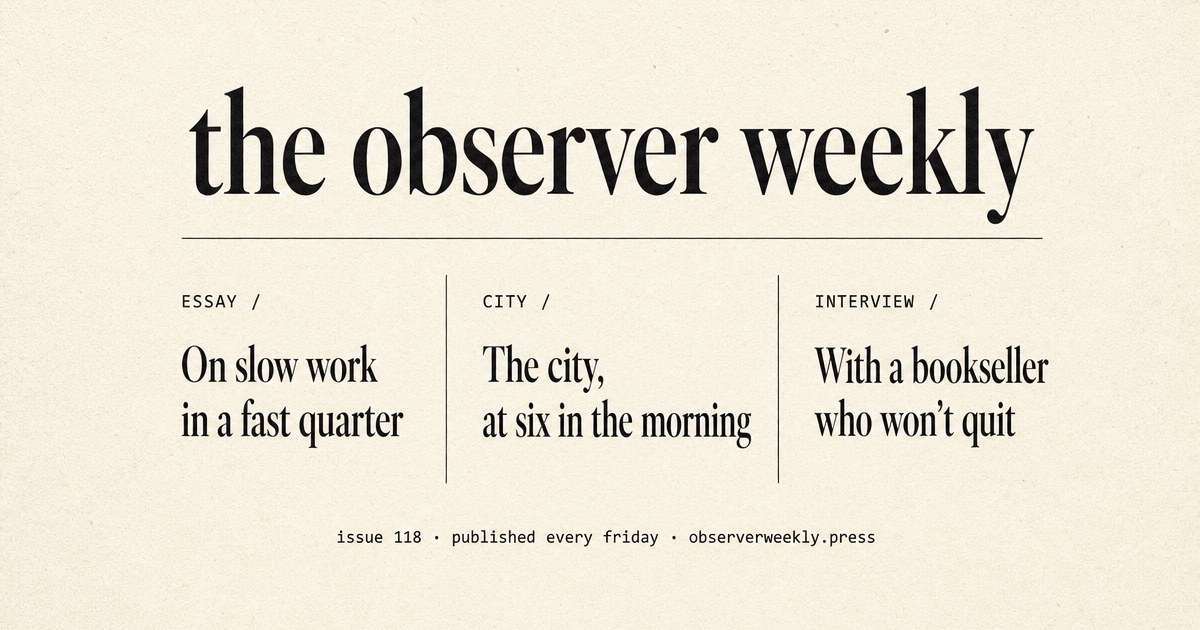
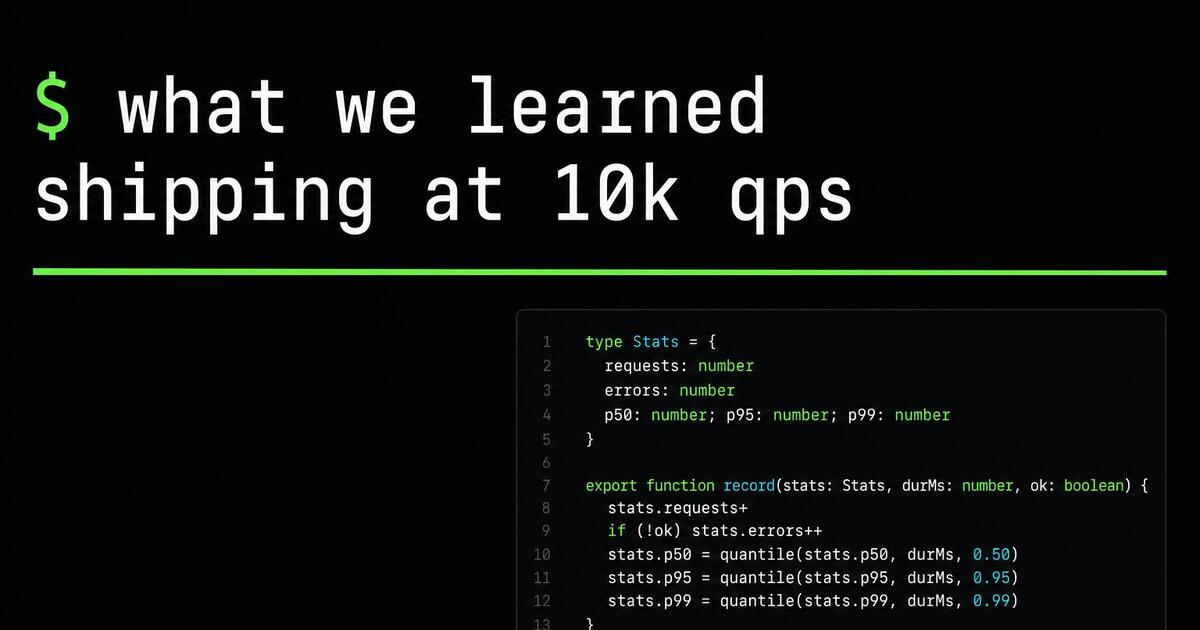
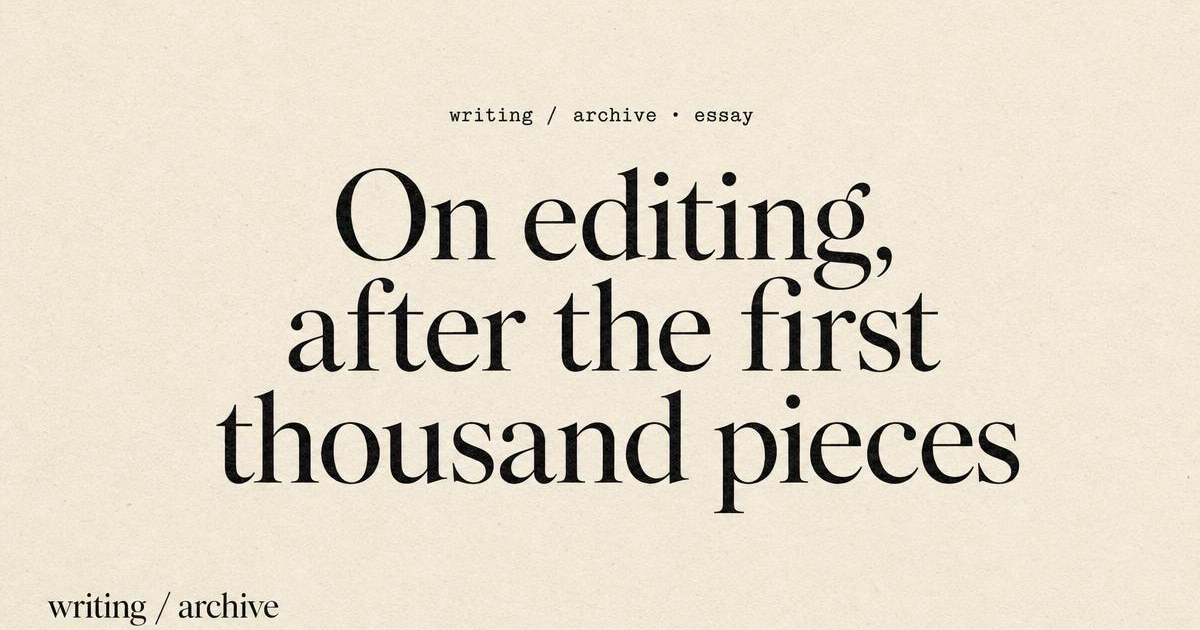
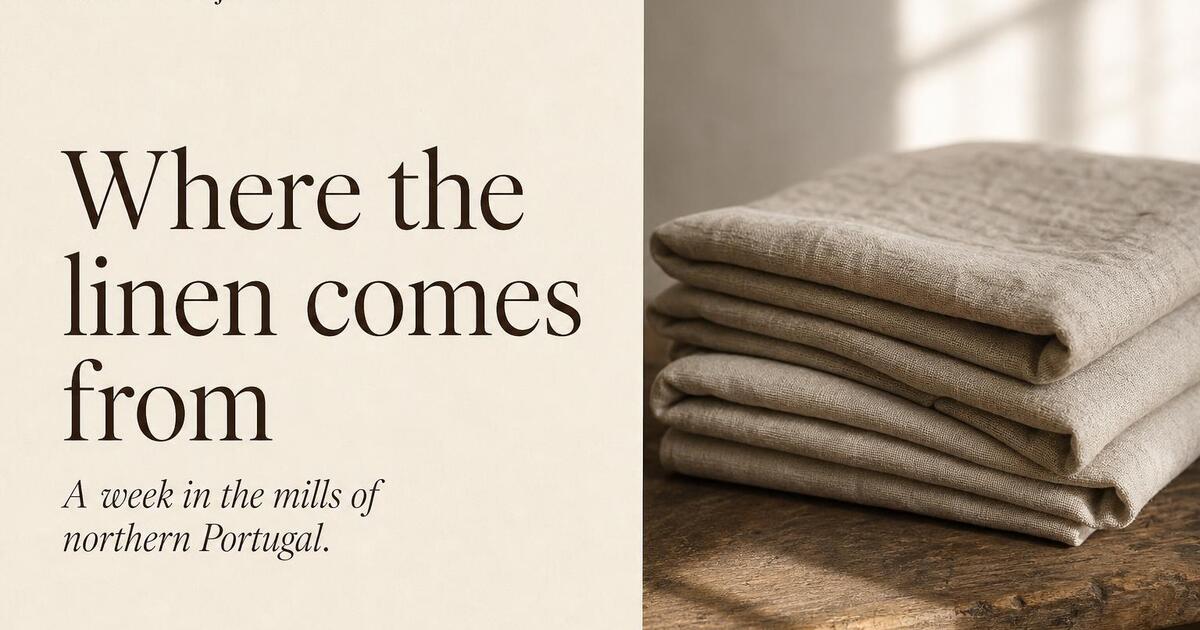
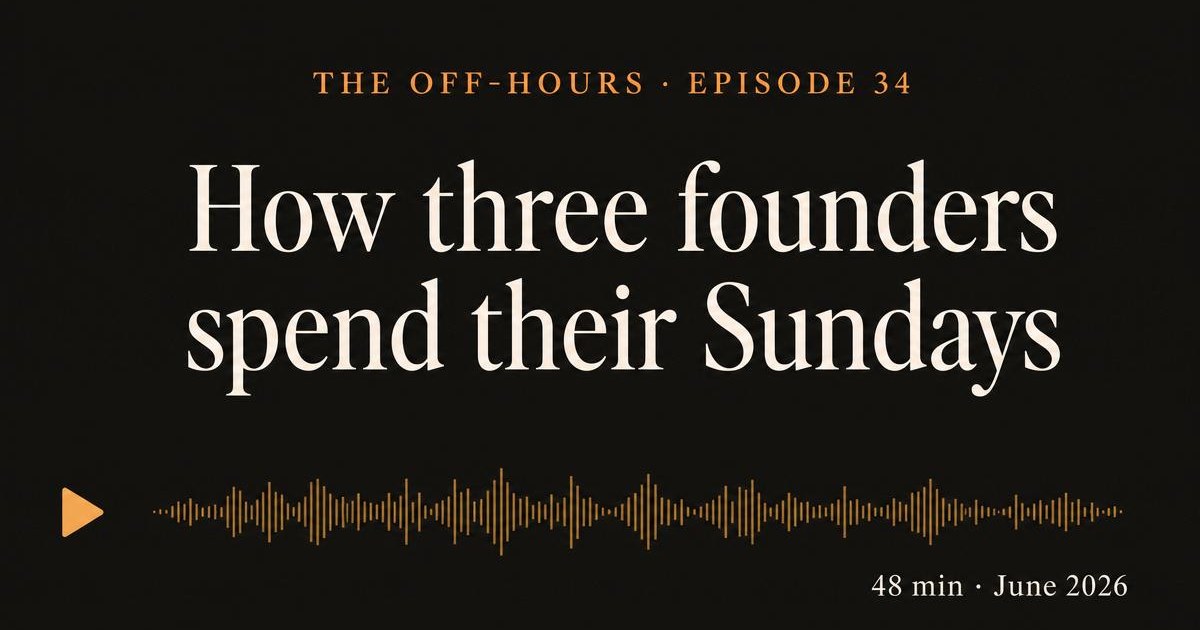

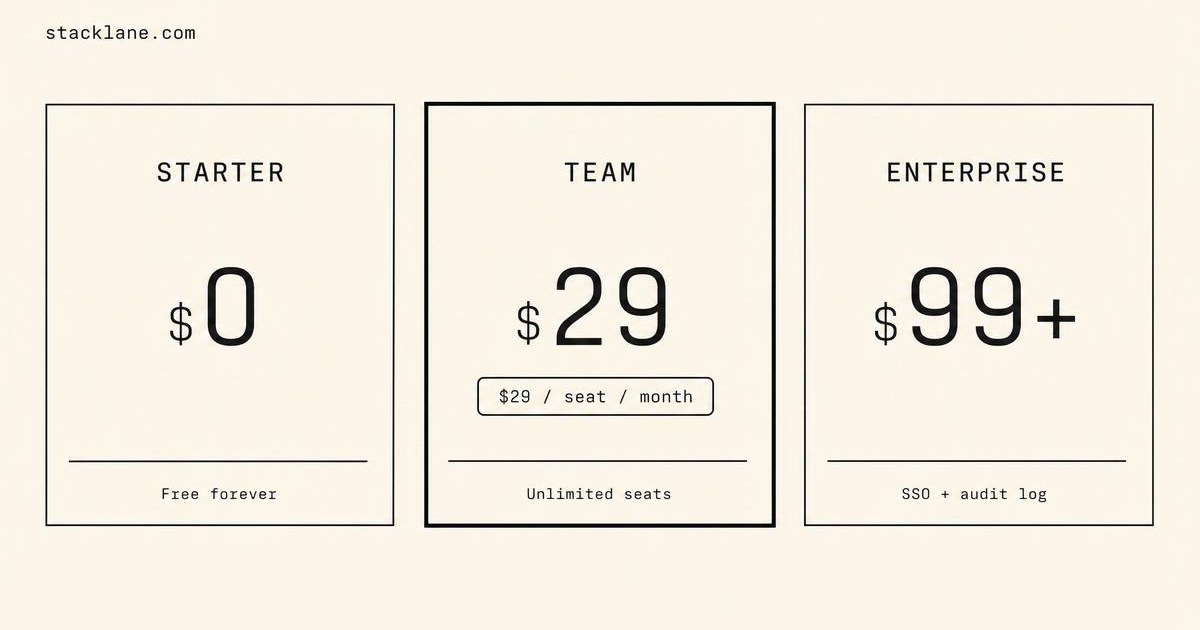
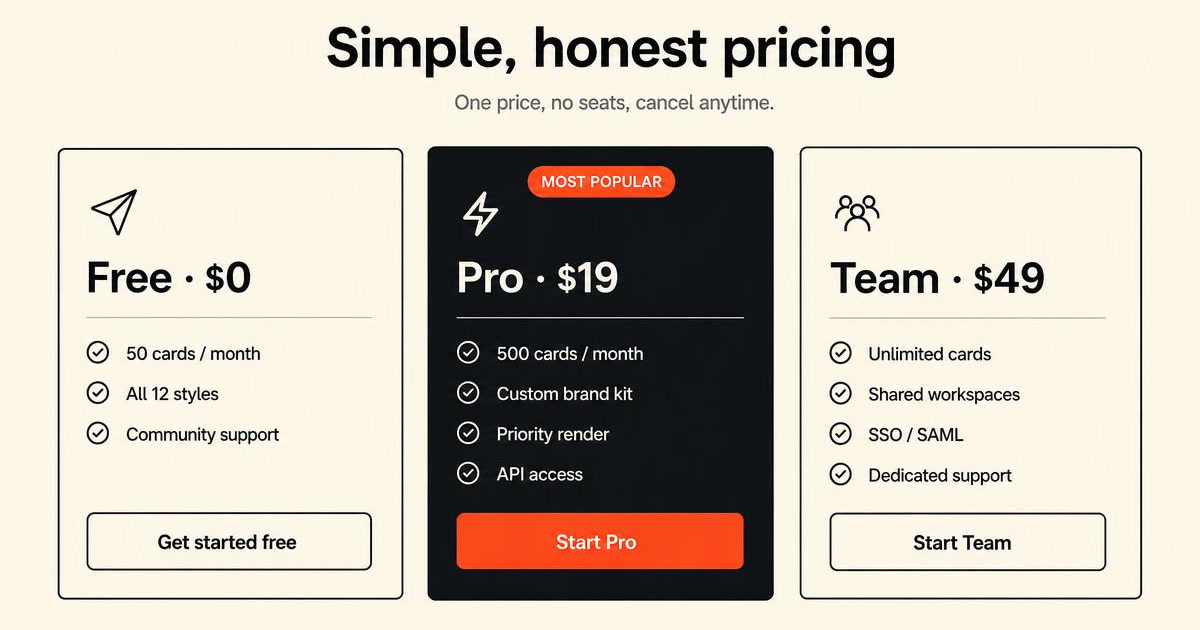
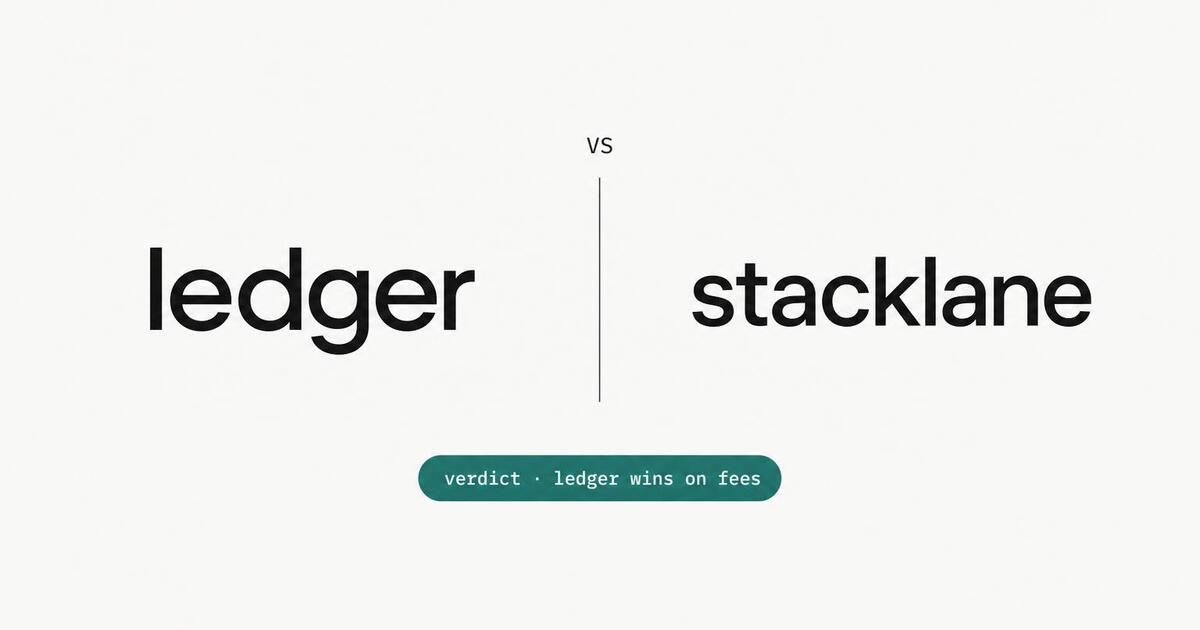
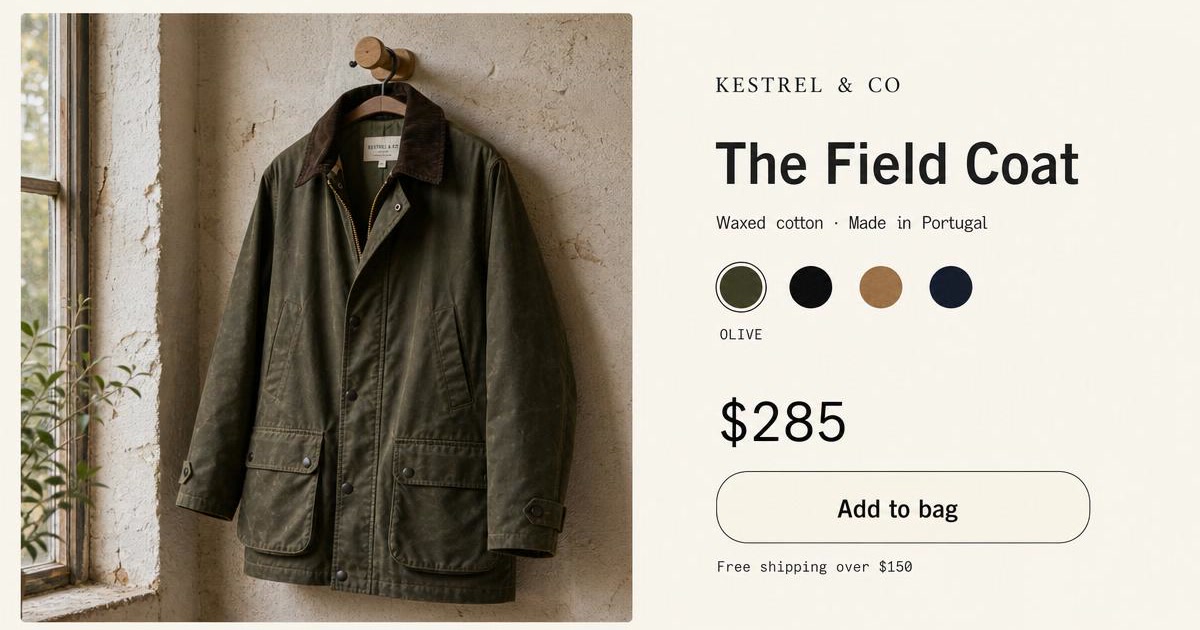
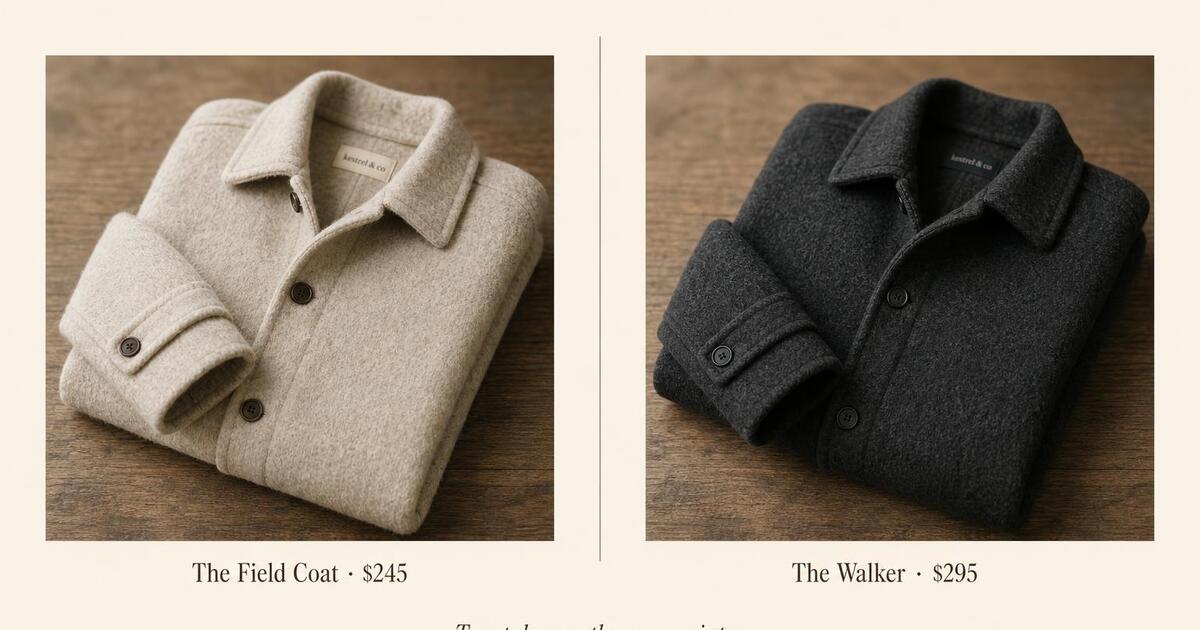

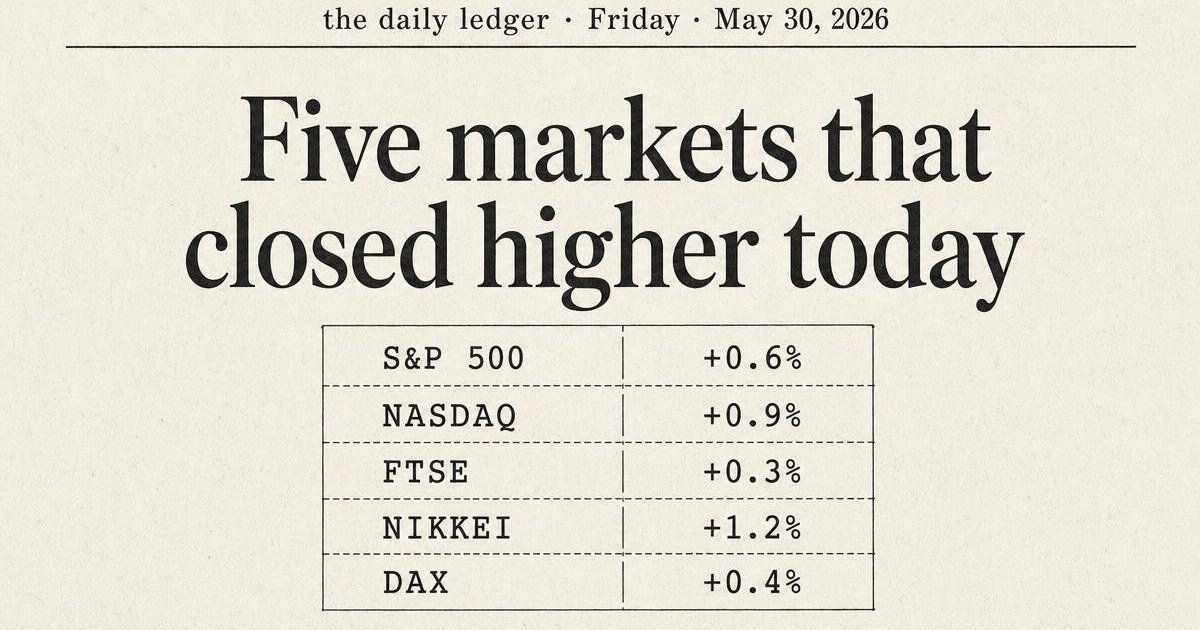
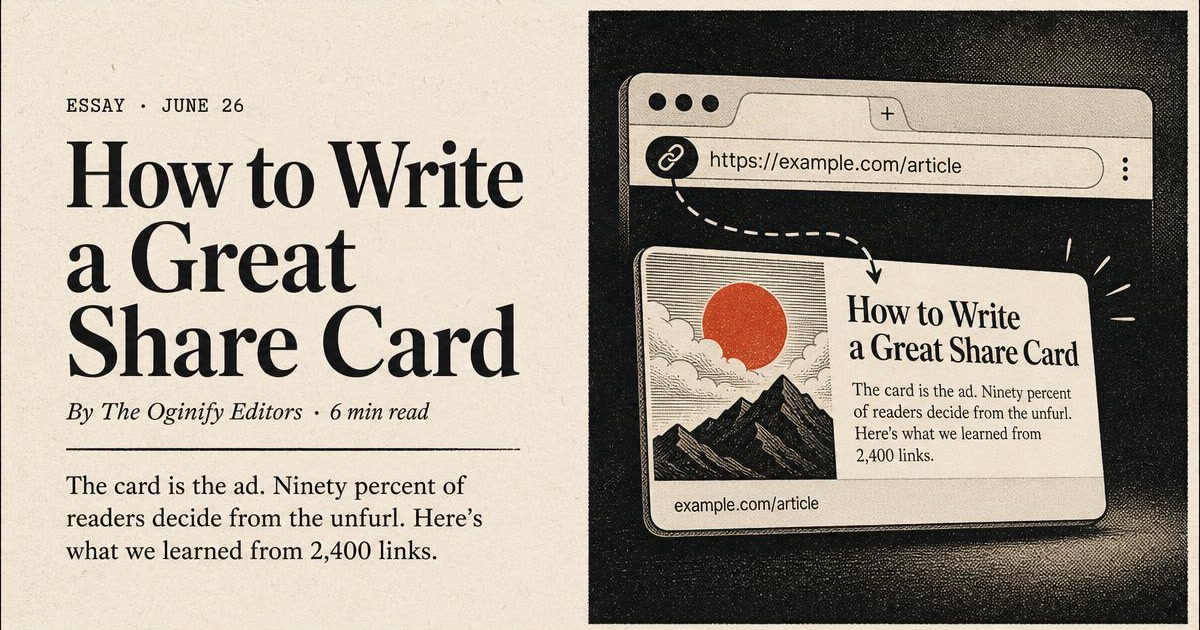
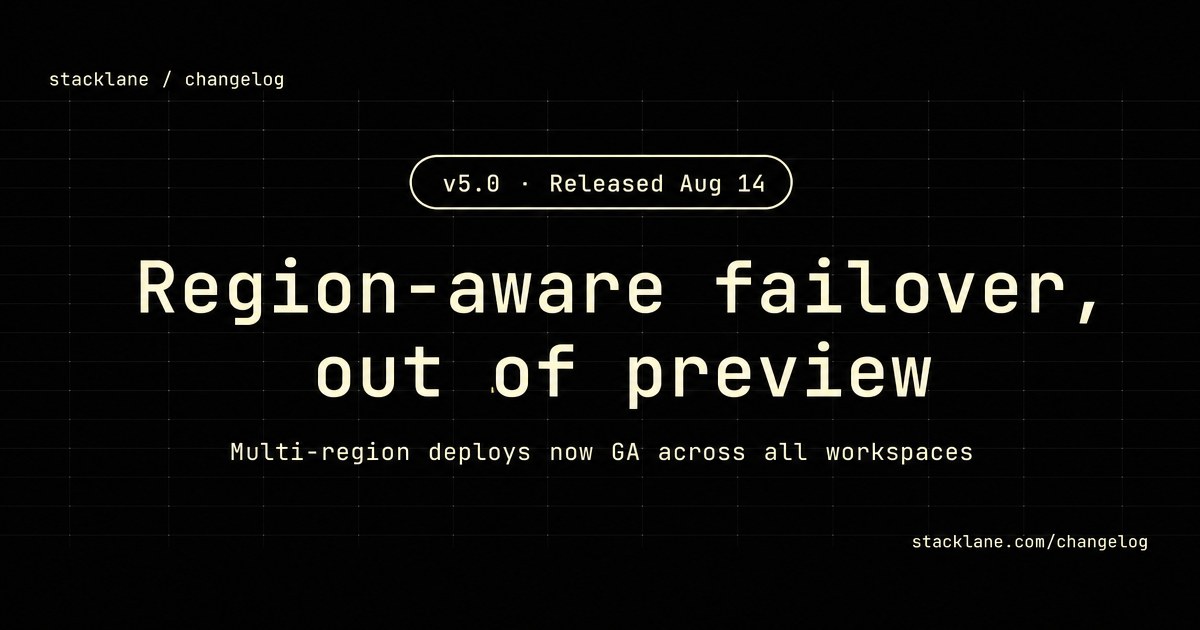
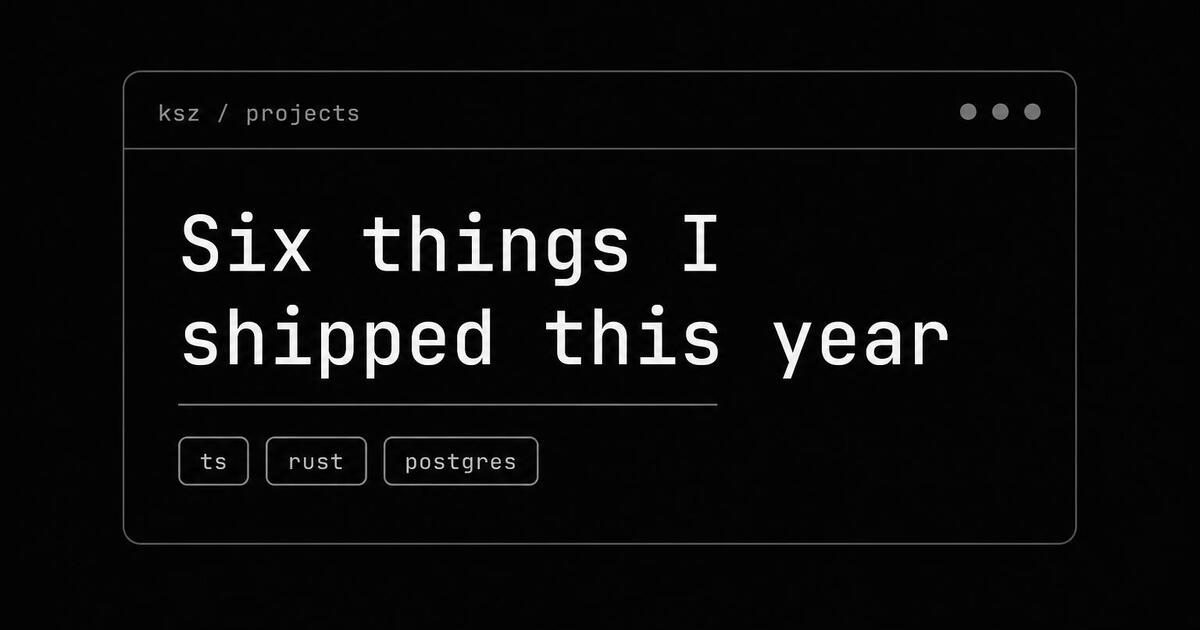
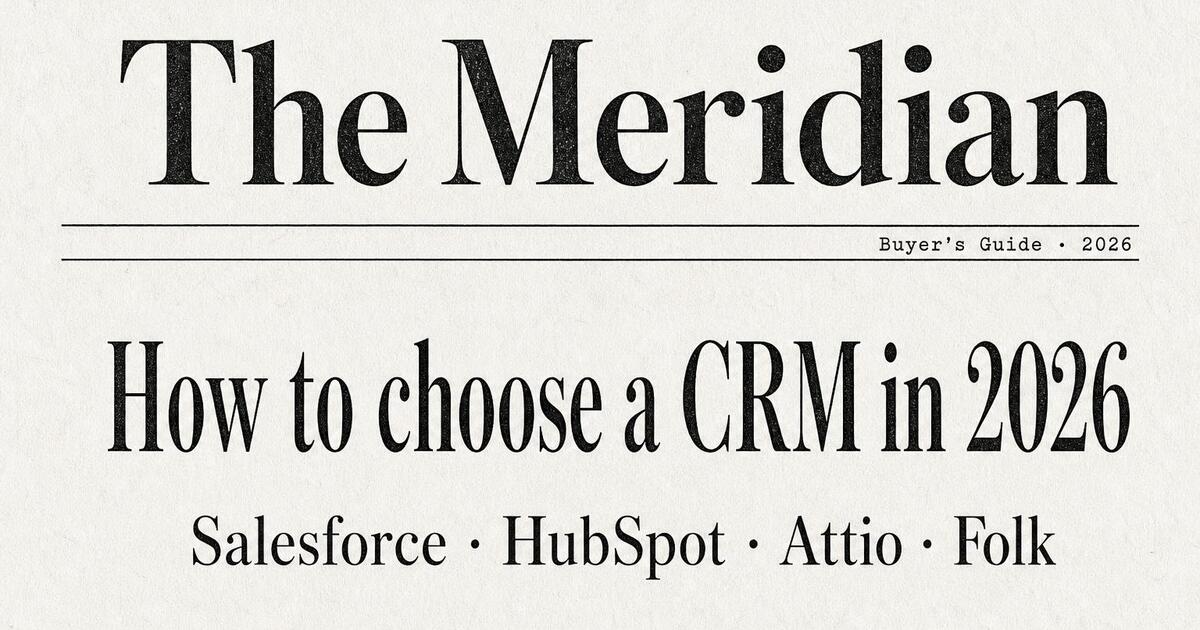
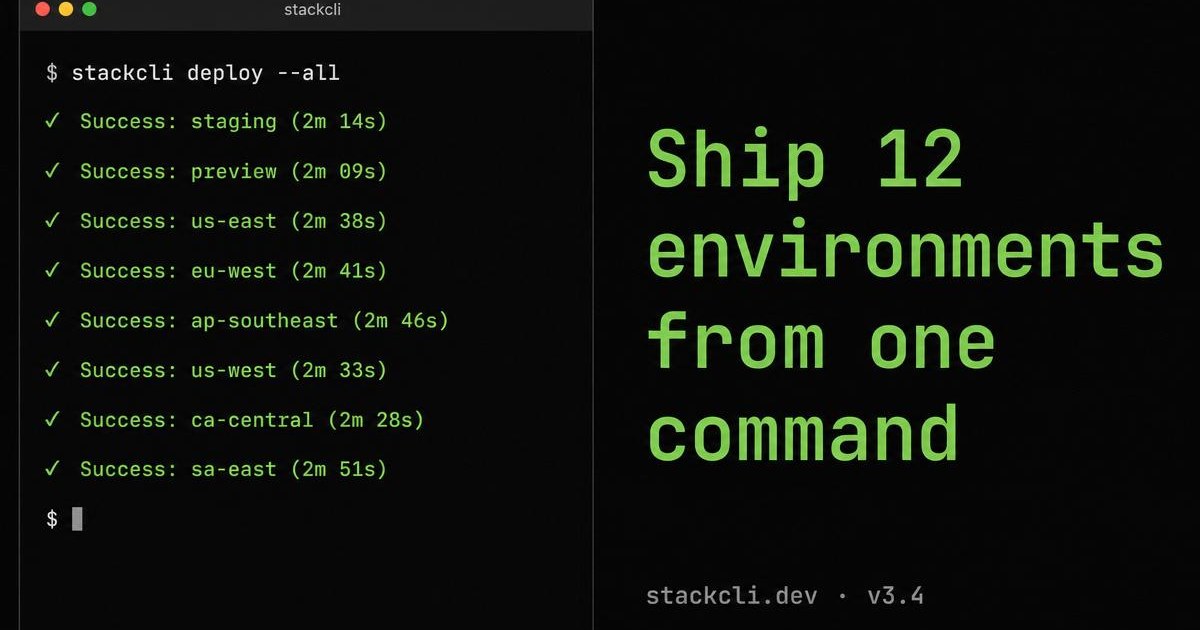
1200 × 630 · generated on demand
Pick the angle that matches what you ship — the page you're publishing, the kind of site you run, or the visual style you want the card to land in.
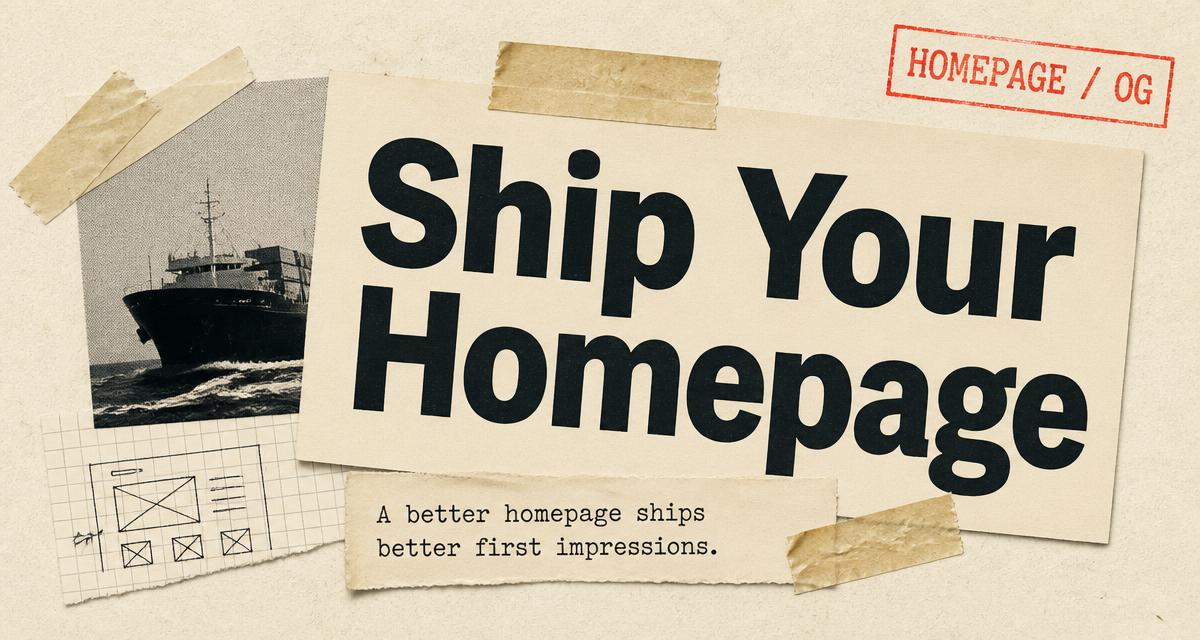
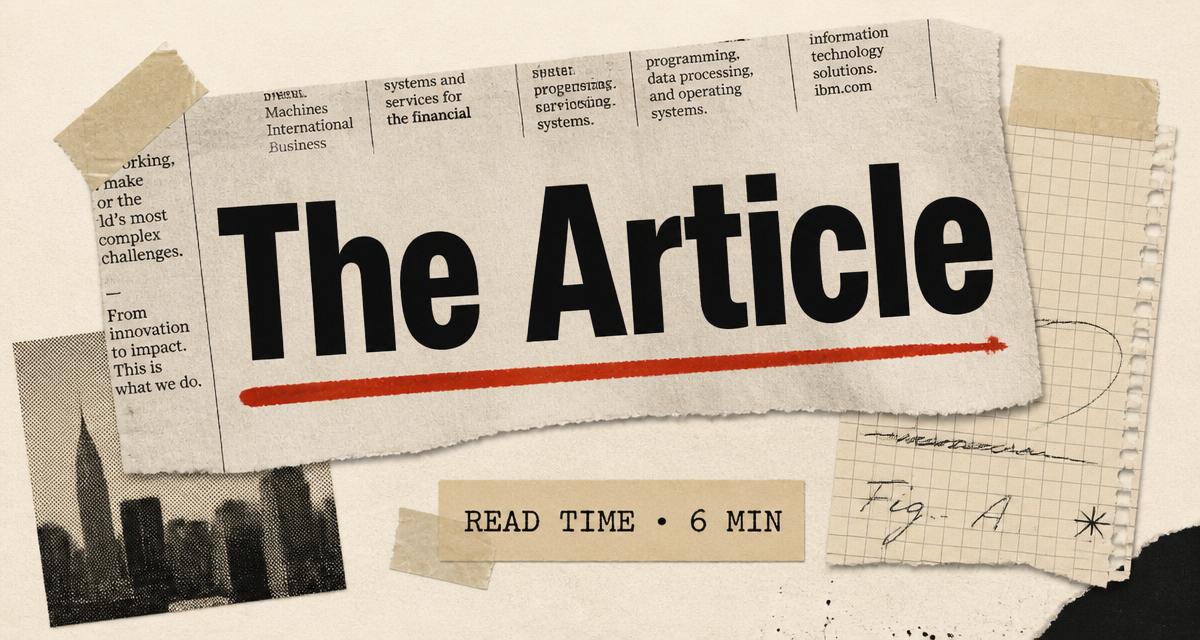
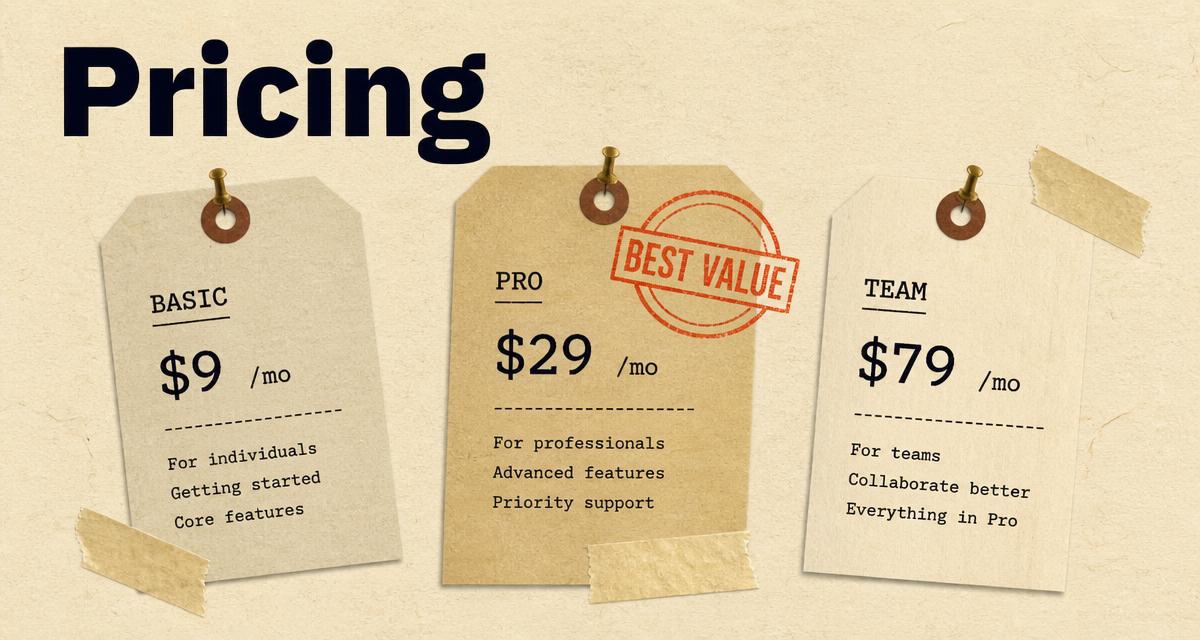
By Page Type
Set the tone the moment your link unfurls. A homepage card names the product, holds one promise, and stays legible at thumbnail size across every social feed and messenger.
Read the homepage guide →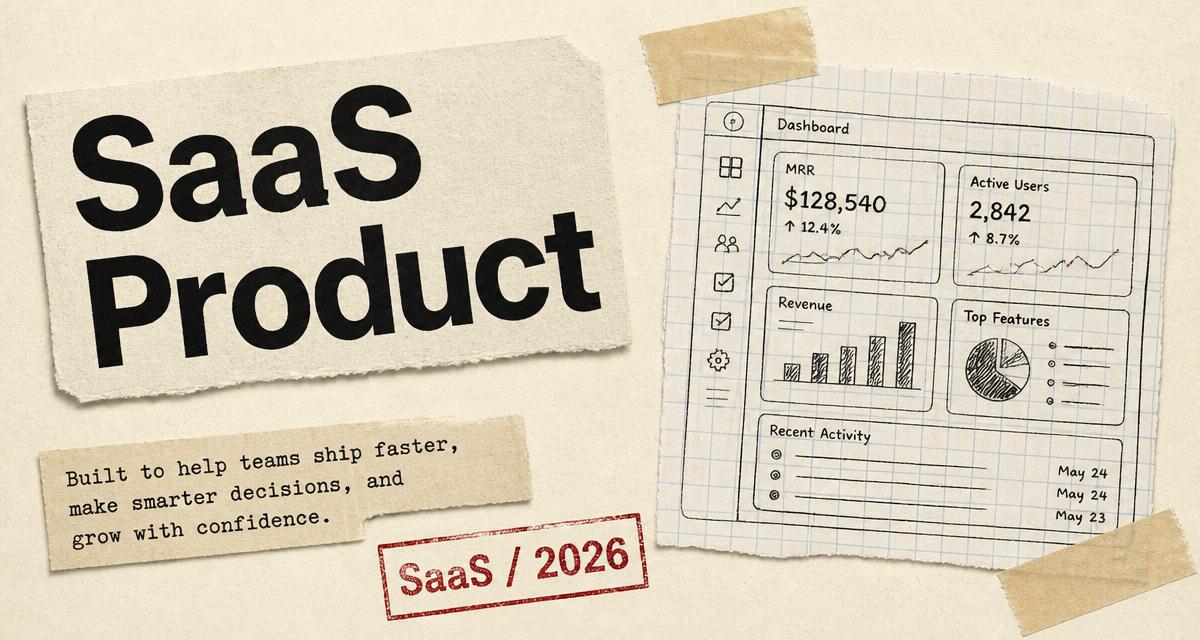
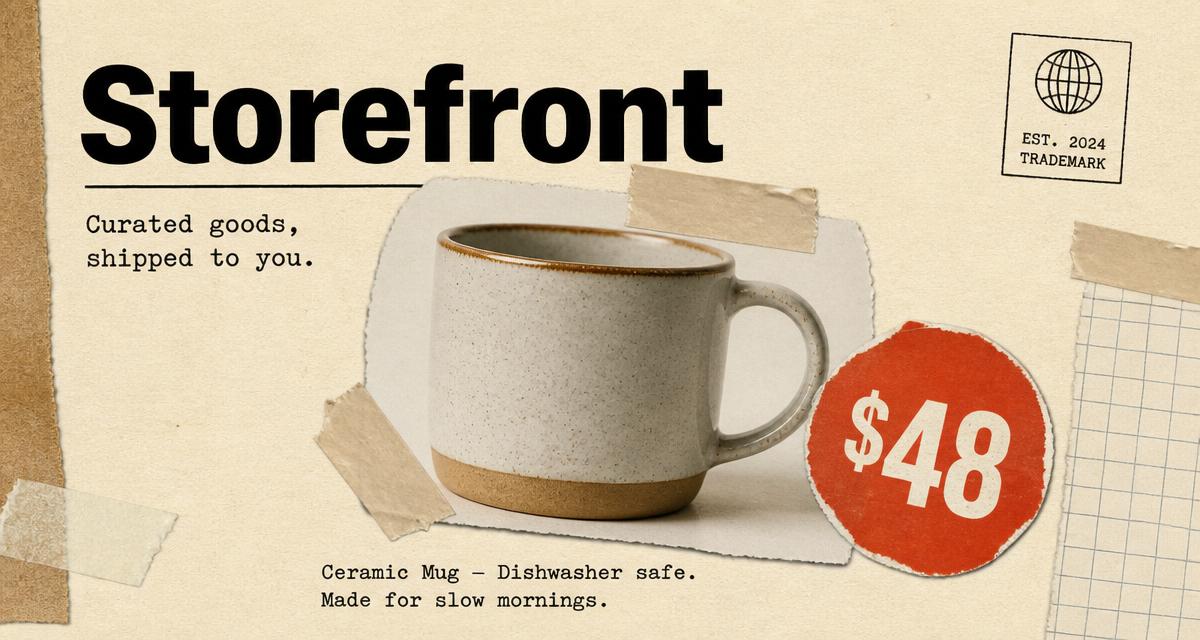
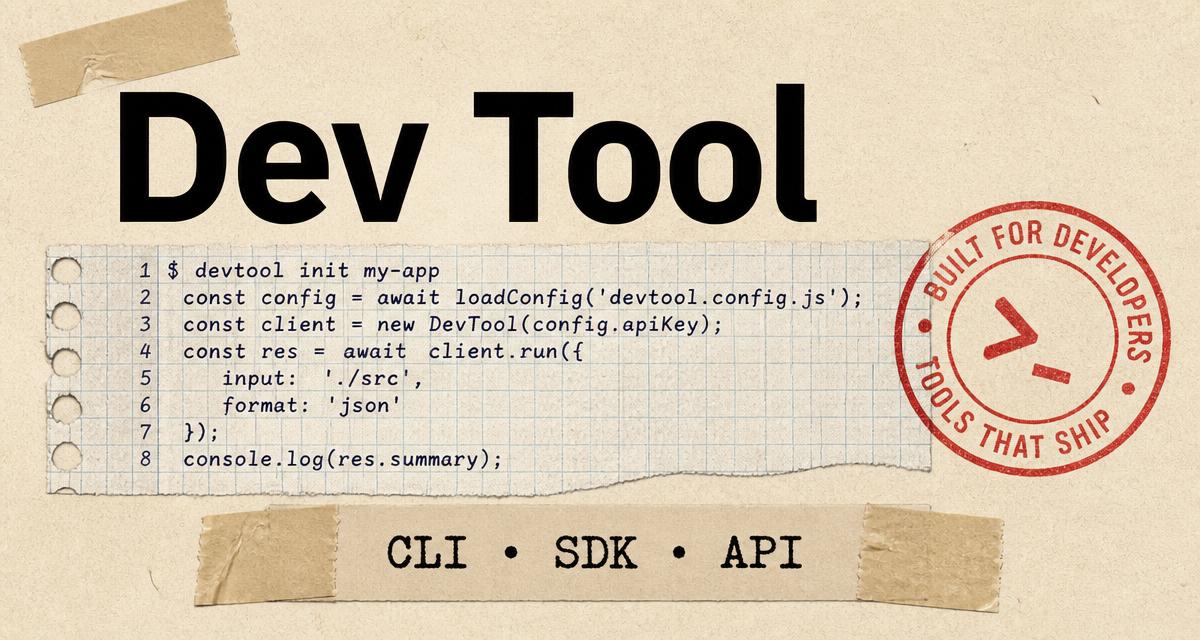
By Website Type
Show the outcome, not the dashboard. SaaS cards lean on a sharp headline plus a fragment of UI, so evaluators recognise the category before they even hover.
Read the SaaS guide →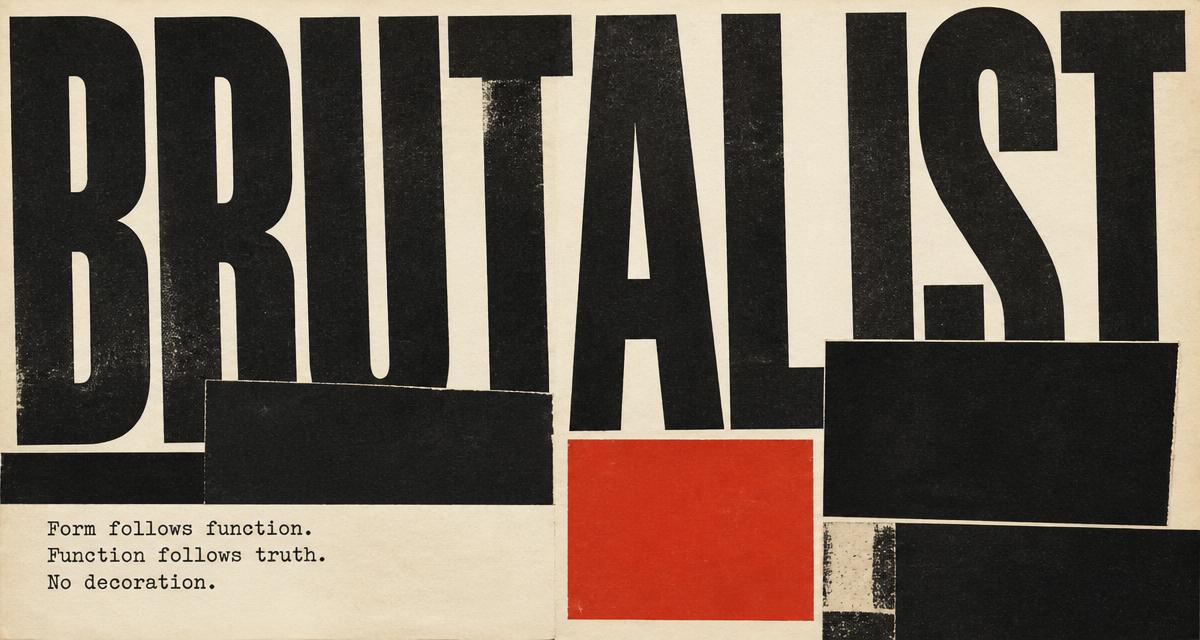
By Visual Style
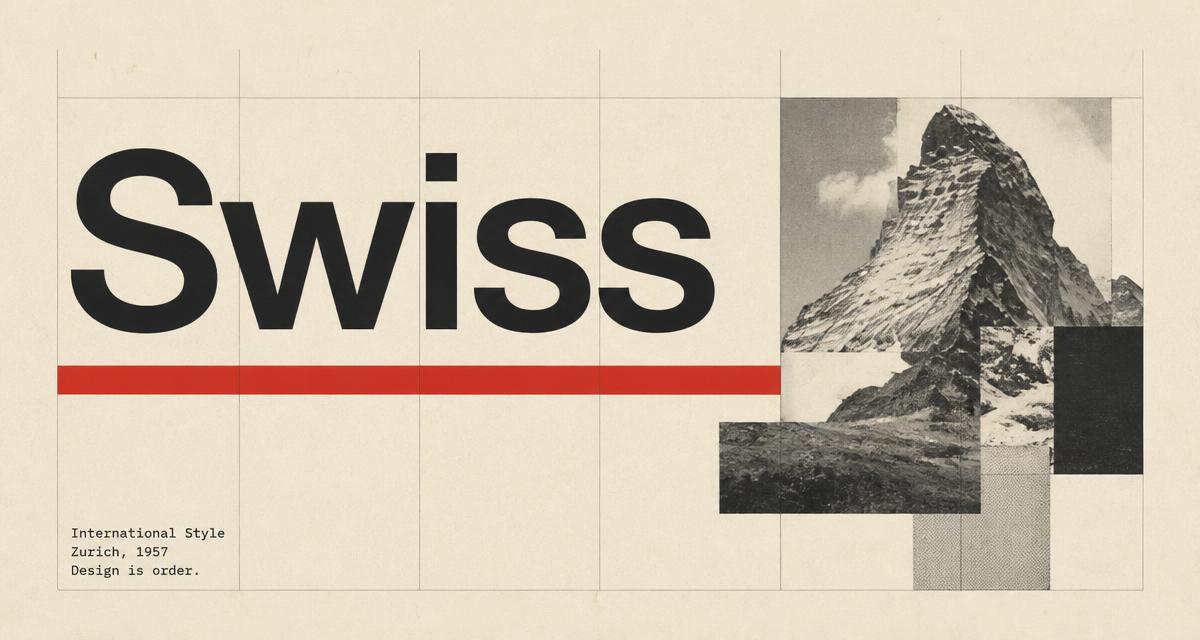
Loud type, raw shapes, one anchor colour. Brutalist cards refuse to be ignored in the timeline and read as a design opinion rather than a template.
Read the brutalist guide →One workspace, four everyday jobs — from launching a product page to defending a keyword on Twitter.
Launch day
Pair the launch card with a Twitter Card cut from the same headline and palette so the release reads as one wave across every social surface.
SEO refresh
Backfill missing og:image on old articles in an afternoon so each post ships its own art instead of a static site-wide logo.
Growth test
Ship two card variants for the same landing URL and let real share data pick the winner, the way multi-surface launch teams already work.
Ad morning
One brief, three exports — 1200×630 og:image, 300×250 Sponsored Display, Responsive Display Ad — done in a single sitting.
Oginify is the managed version of social-cards-skills, our MIT-licensed Agent Skills spec. Run it yourself, let us paint the cards for you, or compare against the generic generators.
| Oginify Managed SaaS | social-cards-skills Open source | Other OG tools Generic generators | |
|---|---|---|---|
| Setup | Paste a URL | npx + Satori + fonts | Sign up + manual editor |
| Brand match | Auto-detected from your page | DIY with your design tokens | Generic templates |
| Output per run | 4 variants — 1 on-brand + 3 wildcards | Programmatic, any volume | One card at a time |
| Hosting | We host the PNG | Your edge runtime | Their domain |
| Cost | Free · $0.99 optional tip | Free · MIT licensed | Freemium or paid |
| Best for | Ship one share image, right now | Agents, CI, content at scale | One-off marketing cards |
Paste a URL. Oginify reads the page, paints four on-brand variants, and hands you an unfurl-ready 1200×630 PNG — no design work, no signup.
Drop any live page into the workspace. We fetch it in the background — no browser extension, no snippet to install.
We paint one on-brand card plus three wildcards from the page's brand, tagline, palette and page type. Regenerate any card you don't like.
Download a strict 1200×630 PNG and paste the ready-made Open Graph and Twitter Card tags into your page's <head>.
The questions people actually type into Google and paste into ChatGPT before they generate their first Open Graph card.
Paste your page URL into Oginify. We fetch the HTML, read your title, description, primary color and logo, and paint four 1200×630 PNG cards from that brand read in under 30 seconds. No prompt, no signup, no template picker — the URL is the entire input.
1200×630 pixels at a 1.91:1 aspect ratio is the specification X, LinkedIn, Slack, Discord, iMessage and Facebook all render as the large-card layout. Anything narrower than 600px on the long edge falls back to a small thumbnail. Every card Oginify outputs is a strict 1200×630 PNG.
Yes. Hero images live inside your HTML; social crawlers only render what you declare in <meta property="og:image">. Without that tag, Twitter falls back to a plain link, LinkedIn shows a domain snippet, and Slack shows a grey placeholder — regardless of how great the hero looks on the actual page.
@vercel/og renders OG images from JSX inside a serverless function — you write the layout in code. Cloudinary applies transforms to source images you upload. Oginify reads your URL and generates original AI cards for it, no code and no source asset. The three tools solve adjacent problems, not the same one.
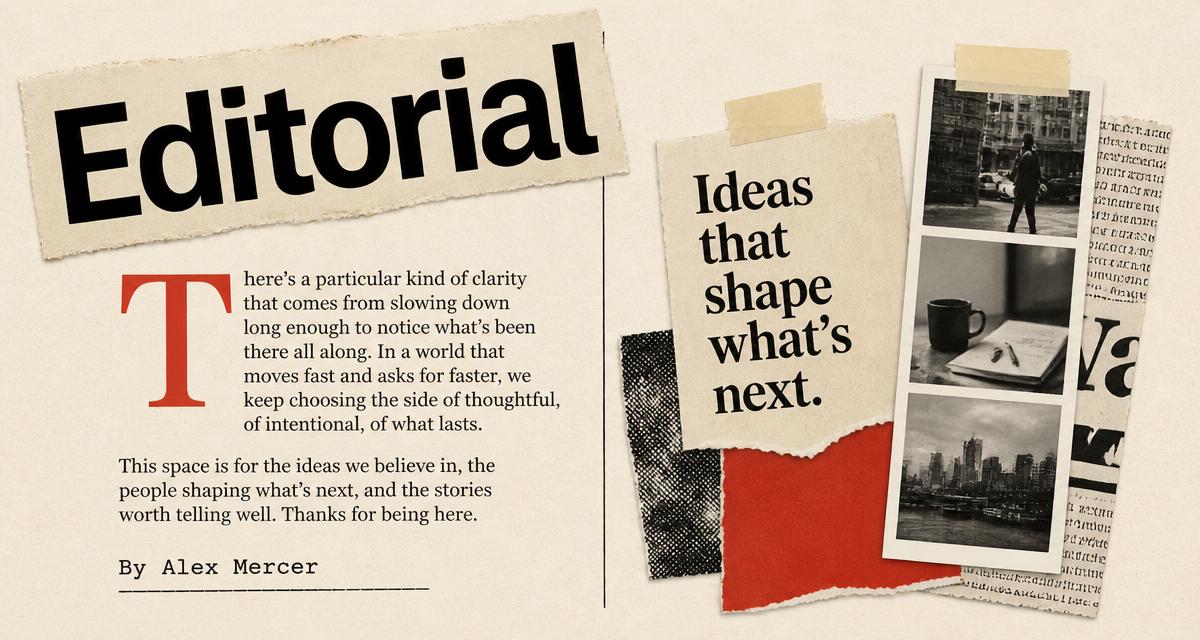
Yes — that's the whole point. There is no prompt box on the home page. Paste a URL, wait ~30 seconds, and get four cards: one on-brand, three wildcards in editorial, terminal and Swiss-minimal directions. Pick whichever wins on click-through and download the PNG.
Yes. You can generate up to 6 images per day without an account or a card on file. Cards are watermark-free, downloadable as PNG at native 1200×630, and yours to host on any CDN.
The four variants above were painted from one URL each. Paste yours in the box at the top and the same thing happens in about eight seconds.